
According to research by the Anatomy of Work Index, 71% of knowledge workers have experienced burnout at least once. For 32% of them, the main reason was the struggle to find a work-life balance. It shows how many of us feel trapped by our schedules, rather than being in charge of them. Balancing necessary chores like team meetings, client calls, and a seemingly endless list of tasks becomes challenging. That’s where time-blocking comes in. It’s a simple yet effective way to take back control of your time.
Leverage this guide to understand time-blocking and its related concepts, such as task batching, day theming, and more. Also, learn how to combine these strategies to manage your schedule like a pro.
What is time-blocking?
Time-blocking is a management strategy that helps you plan every part of your day efficiently. Using this simple technique, you can break the work week into bite-sized time slots, allowing for scope to complete every task you intend to accomplish. It can be as important as delivering the project on the weekend or as simple as taking a day off from your busy schedule.
The process aims at helping you reclaim your day and acknowledge where you are actually spending most of your time. The art of scheduling blocks of work time ahead allows you to complete your tasks on time and set aside time for rest and self-care.
How does time-blocking work?
To create a time block, group like tasks and schedule a block of time to work on those tasks. There are two ways you can use the time-blocking technique:
Visual scheduling: Creating a visual mapping of tasks for the day on a calendar or planner to see your commitments and stay on track.
Grouping: Grouping similar, repetitive tasks into one concentrated block of time to avoid frequent context-switching and achieve a high workflow efficiency (also known as time batching)
For example, you might start by creating a one-hour time block as follows:
- 9 am – 10 am: take team call, answer emails
- 10 am – 11:30 am: review and finalize a GTM deck
- 11:30 am – 1:00 pm: discuss new project with the team
You’d create another one-hour time block for lunch, and so on. Time-blocking your calendar this way will help you mentally reserve chunks of time for critical work and reduce context switching.
Time-blocking tools
There are plenty of time-blocking calendars out there. Consider using the following three popular apps:
Google Calendar
Do you know that the Google Calendar app can help you with time-blocking? You must have been using it to keep track of your most important appointments. As one of the ideal time-blocking tools, it can help you:
- Create time blocks for different tasks in your everyday life
- Color-code tasks to identify important ones for easy attention
- Create recurring tasks for daily routines
- Create and schedule group meetings in your calendar
Plus, you can sync with other Google apps like Gmail and Tasks, as Google Calendar lets you move them around quickly.
Any.do
Any.do is a to-do list app that organizes all your tasks, lists, and reminders in a central space. It has two unique ways of displaying your to-do list: Classic to-do list, and Calendar view. The calendar view enables you to visualize and time-block your tasks for the day with ease.
You can also customize tasks, such as:
- Add color-codes
- Create due dates
- Add notes and attachments
- Set up recurring reminders
- Share tasks with others
- Assign tasks and monitor progress
The best part is that you can sync time-blocked tasks across all your devices seamlessly.
TickTick
TickTick features an integrated Pomodoro timer to help you stay focused for hours. You can work on your tasks in short, focused burst modes (usually for 25 minutes) coupled with 5-minute breaks between each cycle. You don’t have to schedule all those breaks manually, which can often become tedious.
Once you design a to-do list and block out time for your tasks, the application helps you stay focused with a Pomodoro timer while still allowing for breaks.
Benefits of time-blocking
Although this productivity technique may seem simple on the surface, it can have a profound impact on your work efficiency. Here are some of the main benefits of time-blocking:
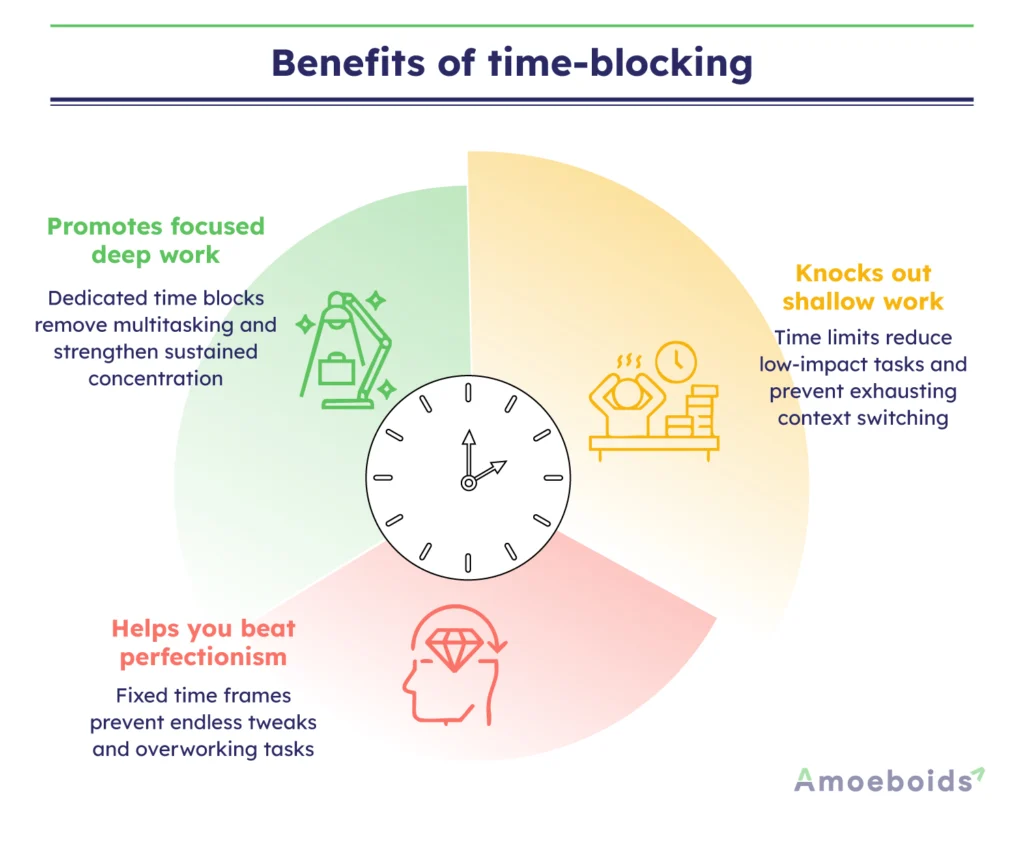
Promotes focused deep work
With a dedicated time slot for a single project, problem, or task, you channel all your mental energy to complete just one thing. It protects you from the trap of multitasking, which can only weaken your focus. According to Cal Newport, author of Slow Productivity, working in such a state with undivided attention helps you build the mental muscles required for deep work.
Knocks out shallow work
When you do shallow work, you are busy with an urgent task that is not important to achieving your long-term goals. It can be mundane paperwork or responding to promotional emails. The time-boxing method prompts you to set clear time limits on how much time you’ll dedicate to it. As a result, you save yourself from the mental fatigue of context switching for higher-impact work.
Helps you beat perfectionism
Working across unclear timelines always presents a challenge of something to be tweaked and improved from time to time. You may end up working beyond the scope to strike that perfection, even if the open-ended project is finished. With time boxing, you learn how to restrict time limits on such projects. The aim of finishing the task within a specific time frame will save you from stretching it indefinitely to get everything just right.
Challenges and how to overcome them
Sometimes, time-blocking can be a challenging strategy to implement and stick to consistently. Let’s look at some common pitfalls you may face and understand how to overcome them with proven tips.
Falling into task paralysis
Despite planning your day with time-blocking tools, there may be days when you can’t complete all the tasks scheduled. It usually happens when you fail to prioritize important tasks for the day or postpone secondary tasks until the next day.
How to overcome it: Consider adding time blocks for the most important tasks of the day first. You can also add details and context to your important tasks, allowing you to push all less-important functions to the next day.
Missing productivity peak
Let’s say you have been following time-blocking for a few days. However, you’re feeling drained at the end of the day. That’s probably because your calendar is not optimized to include working hours when you feel most productive during the day.
How to overcome it: Think about when you feel most energized in the day. If it is in the morning hours, complete the work that requires the most energy in that time slot. If you get a second wind in the late afternoons, save your other important tasks for that period. Likewise, time-blocking your calendar to increase efficiency for the day.
Not including personal time off
Time-blocking is not a tool to schedule your work tasks. It is also equally helpful to schedule “me time” every day. If you miss out on creating a time block for personal activities, such as a team lunch or early morning yoga, you may eventually feel burned out.
How to overcome it: Consider leaving a personal time block open without a set purpose. You can decide on the spot if you want to scroll through Instagram, talk to a distant friend, or call your mom at that time.
Best practices for successful time-blocking
The following time-blocking tips will help you make the most of your schedule, so you’re not at the mercy of your calendar.
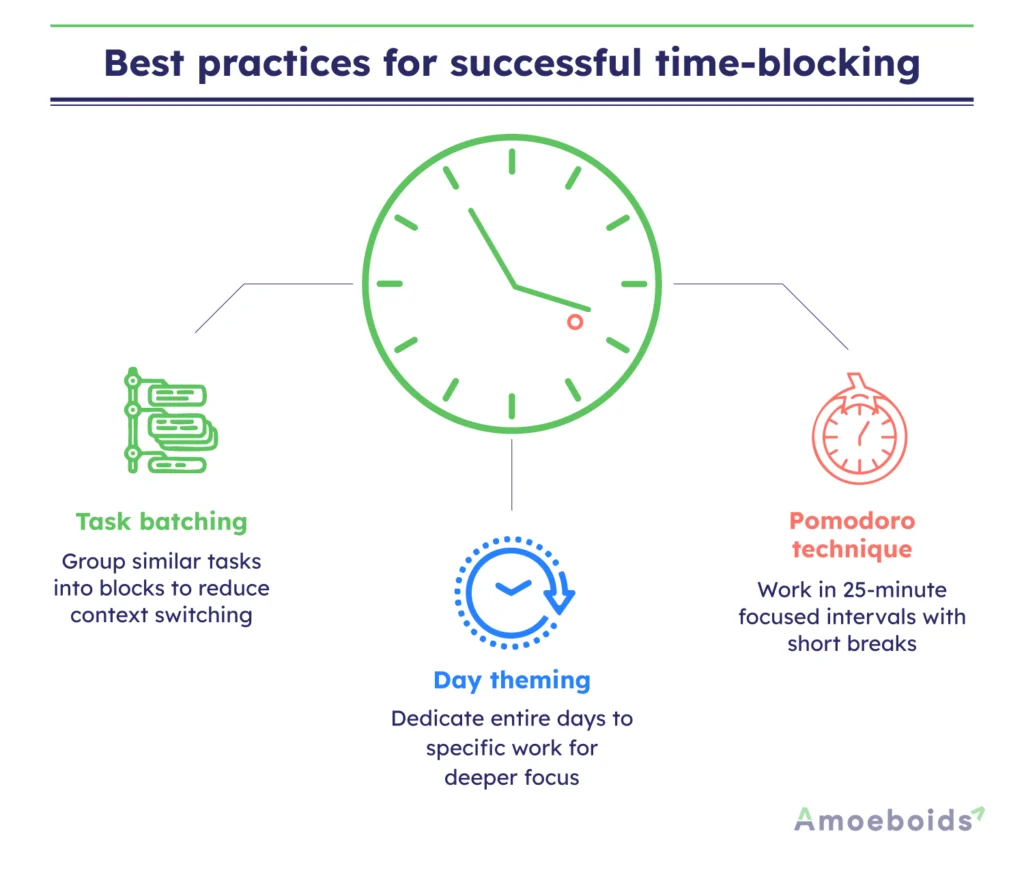
Task batching
Consider grouping multiple similar tasks into specific time blocks to minimize context switching. For instance, you can block your morning hours for tasks like catching up on email, Slack, or your call list.
Day theming
Block an entire day dedicated to specific tasks when you need maximum productivity and brainstorming. For example, freelancers working for multiple clients can time-block specific days of the week for each client to maximize productivity.
Pomodoro technique
The Pomodoro technique works by focusing on a single task for 25 minutes, followed by a 5-minute break. With the added element of time pressure, this time block method can also be effective for task batching and shallow work.
Common time-blocking mistakes to avoid
Though time-blocking is a straightforward productivity concept, it can be a real challenge unless you avoid these common mistakes.
Underestimating your time
Are you good at time predictions? Most of the time, we either underestimate or overestimate our timings. So, when you start with time-blocking, keep some buffer time for each task, so you don’t get frustrated when you miss a couple of milestones on a streak.
Being too strict with your schedule
If you become too strict with your schedule, unplanned events may overwhelm you. Remember that you are using time blocks to stay focused on what matters. But they can be customized throughout the day if necessary.
Forgetting to take breaks
Remember to take breaks between tasks. A few minutes of leg stretching or deep breathing is enough to recharge your brain for the next task. Otherwise, you may wear out chasing time blocks and may fall behind schedule.
Conclusion
Time-blocking is a psychological productivity hack that helps you take control of your day instead of letting tasks control you. This involves setting dedicated slots for important activities, including space for your personal rejuvenation. Thus, you experience less decision fatigue, bypass unnecessary multitasking, and make real progress on what truly matters. In short, this method creates structure without limiting flexibility. However, following planned time blocks week after week requires consistency. Your first schedule may not be perfect, but refining it week after week will transform how you work and live.
Ready to put time-blocking into practice? Time block your calendar right now!
FAQs
Why is time-blocking effective?
Yes, it’s effective as it creates a visual structure for your day and forces you to allocate specific time slots for tasks. That helps you prevent multitasking and distractions for better time management.
How to come up with time estimates?
For the first couple of days, track how much time you usually spend on recurring activities like emails, meetings, or deep work. Break your big tasks into smaller milestones. Add 20–30% extra time for flexibility. Over time, review your calendar to get a more accurate insight into your timeline for future planning. This will help you start on a good note while exploring popular time-blocking tools.
What is the best app for time-blocking?
Though many apps support time-blocking, you can get started with Google Calendar and Outlook for free. When you need extra customization in your time blocks, consider using paid applications like TickTick or Ask.do that offer advanced automation.
Should I use daily or weekly time-blocking?
For beginners, weekly blocking is a good starting point for managing tasks and staying focused for the first few weeks. Then, they can break weekly blocks into daily blocks every morning or the night before for better control.