
You have a promising product idea and a team ready to build it, but translating that idea into a step-by-step plan often proves challenging. According to a Wellingtone study, 42% of project managers struggle to define project steps clearly, which reduces their likelihood of success by around 15%.
A work breakdown structure (WBS) helps address this challenge. It breaks your project into clearly defined, manageable tasks and creates a structured roadmap to move from concept to execution with confidence.
In this article, you will learn how to create a WBS that sets the foundation for organized, outcome-driven project planning.
What is a work breakdown structure?
A work breakdown structure is a visual way to break down a project into smaller, more manageable tasks. Instead of forcing your team’s attention on everything at once, you create a work breakdown structure in different levels, breaking deliverables into sub-deliverables for easy control.
At the top, you have the overall project goal, like launching a new mobile app.
Below that, you list the key deliverables, like UI/UX design, backend development, etc.
In the next level, each of these tasks is further broken down into smaller tasks, like “design login screen” or “write unit test cases.”
This structured approach is extremely helpful in assigning responsibilities, tracking progress and ensuring no part of the project is left out.
Key components of WBS
Here are the key parts of a typical work breakdown structure:
Project scope
The project scope is a high-level overview of the project’s objectives and boundaries. It acts as a contract between all stakeholders to avoid ambiguity and scope creep.
- What it should look like: Launch a mobile app for grocery delivery in Delhi NCR with real-time tracking, within 6 months.
- What it shouldn’t look like: Do something to improve the customer experience with tech.
Project deliverables
Deliverables are the tangible products, services, reports, or systems your project promises to produce. They are mentioned here are major milestones before you break them down further in the next step.
- What it should look like: A fully operational mobile application with order tracking, payment integration, and an admin dashboard
- What it shouldn’t look like: Build the app and make it work well
Sub-deliverables
Each deliverable mentioned in the last step is further broken down into sub-deliverables. These are smaller tasks that contribute to completing each main deliverable.
- What it should look like: Set up product database → Integrate Stripe for payments → Create user onboarding flow
- What it shouldn’t look like: Make things ready → Sort out the backend → Fix bugs
Timeline or schedule
The WBS links each deliverable and sub-deliverable to a timeline. Each task or phase is defined by a start and an end date to help teams align their effort across phases.
- What it should look like: UI/UX design: Aug 1–Aug 10; Backend development: Aug 11–Sept 5; Testing: Sept 6–Sept 20
- What it shouldn’t look like: Design sometime in August; Dev work after that; Launch soon
Stakeholders
It shows who is responsible for each task and who needs to stay informed. A clarity of accountability for each task helps prevent confusion and ensures the right people are looped in at the right time.
- What it should look like: Frontend lead (XYZ): Responsible for UI components; Project manager (A): Approves milestones; QA team: Informed during testing phase
- What it shouldn’t look like: Everyone will figure it out; Keep all teams in the loop all the time
With a work breakdown structure online tool, you can drag, drop and visualize all these levels and sub-levels in real time.
The importance of a work breakdown structure in project management
Before using WBS, project managers should understand how it provides a clear, shared direction that keeps everyone aligned from start to finish.
Some salient features of WBS:
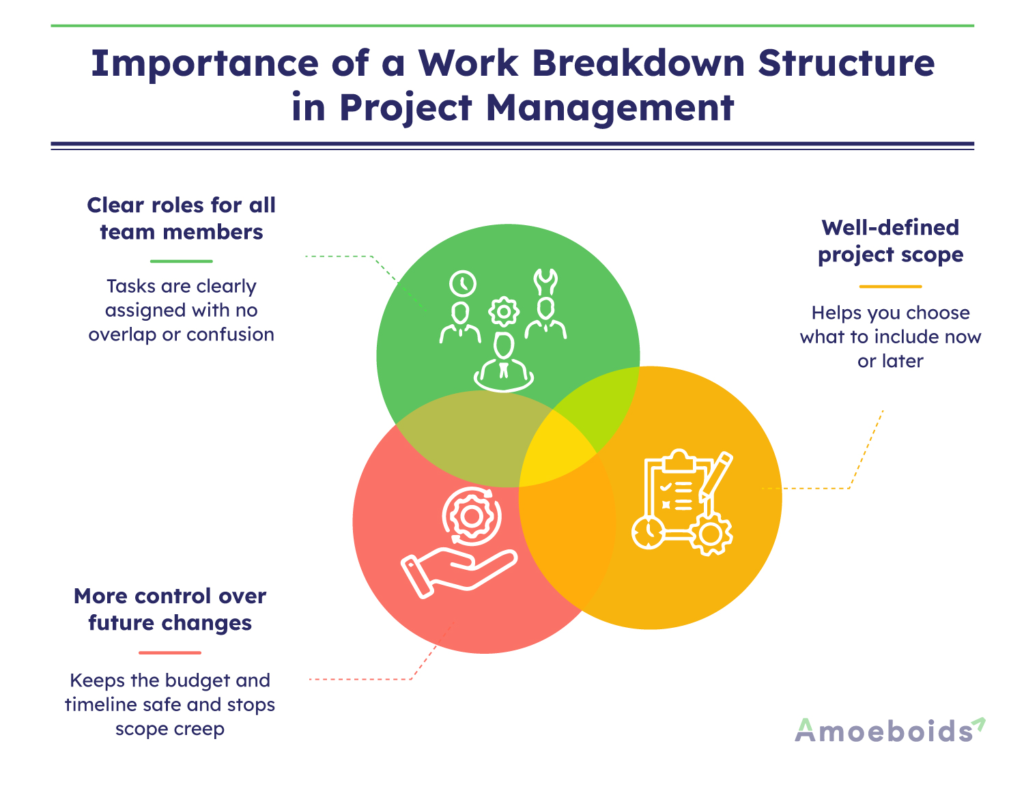
Clear roles for all team members
A lack of clear project goals can create confusion within teams regarding individual roles and responsibilities. WBS divides an otherwise complex project into clearly defined tasks for everyone involved – no task overlaps, no missed handoffs.
Well-defined project scope
Projects with dynamic goals are more likely to benefit from the work breakdown structure. Let’s say your project is about building an employee management system. You propose that the system have an attendance tracking feature, but your client is partially optimistic.
Well, WBS can help you and your client decide whether to proceed with the idea or postpone it to a future release. That’s how you have a clear project scope from day one, even with such dynamic requirements.
More control over future changes
Dynamic requirements often lead to scope creep if not managed early. Take the earlier example of building an employee management system, without a WBS in place, a last-minute client request could push the project beyond the original budget and timeline. However, with WBS, you have a clear scope of how to meet the requirement in the next sprint without burning a hole in your pocket.
Interestingly, all these benefits are byproducts of a well-defined work breakdown structure.
How to create a work breakdown structure
Creating a work breakdown structure may seem complex at first, but breaking it into clear steps makes the process easier to follow and execute.
Here’s a simple, step-by-step way to create a work breakdown structure for your next project:
1. Start by gathering key documents
Start by collecting all the project documents you already have, such as:
- Project charter: A high-level document that formally authorizes the project and outlines its objectives, stakeholders, and authority structure.
- Scope statement: A detailed summary of project goals, deliverables, boundaries, and key constraints.
- Client briefs: Summaries provided by clients that outline expectations, goals, and specific requirements.
- Feature lists: Itemized lists of functionalities the product or solution must include.
- Planning spreadsheets or roadmaps: Visual or tabular plans mapping tasks, timelines, and milestones across the project lifecycle.
The aim at this stage is to gather all documents to understand the main deliverables and high-level goals to process through the work breakdown structure.
2. Bring in the right people
Crafting a WBS requires teamwork. Involve your team members to:
- Identify tasks that aren’t obvious on paper — for example, backend configuration or regulatory documentation
- Catch interdependencies — like ensuring the API is in place before UI development begins
- Flag risks or resource needs — such as limited QA availability during key sprints or dependency on third-party vendors
- Estimate realistic timelines and effort — a developer might highlight that building a custom reporting module usually takes two full sprints
- Validate sequencing and structure — ensuring that user research feeds into design and feature prioritization in the right order
Their inputs will make WBS more realistic and identify the major deliverables that the project must produce.
3. Define the top-level elements
These top-level elements, or Level 1 components, represent the entire project scope. They are the major deliverables and should account for 100% of the work.
For example, if you’re launching a website, your Level 1 elements might include:
- UI/UX design
- Feature development
- Testing and QA
- Launch and training
Each of these will be broken down further in the next step.
4. Break it down (Decomposition)
Now it’s time to break down the Level 1 components into Level 2, Level 3, and beyond, a process known as decomposition. The goal is to divide large tasks into smaller, actionable steps that are easier to assign, monitor, and manage.
Example: Launching a web-based HR platform
- Level 1: Build HR platform
- Level 2: Develop core features
- Level 3: Leave management
- Design profile page UI
- Build backend APIs to fetch and update profile data
- Configure user permissions and access control
- Design profile page UI
Each level adds clarity, helping teams align effort with outcomes and identify what needs to be done at every stage.
Pro tip: If one person can handle a complete task without splitting it further, it’s probably detailed enough.
5. Create a WBS dictionary
For each task or “work package,” add a brief explanation to ensure everyone shares the same understanding. This is your WBS dictionary, a simple reference guide that outlines:
- What the task includes
- Who is responsible
- Expected timelines
- Any known risks or assumptions
Example:
| Field | Details |
|---|---|
| Task | Build “Apply for leave” API |
| Owner | Backend Team |
| Details | Should handle leave request creation, status updates, and connect to approval logic |
| Timeline | 5 working days |
| Risks | Requires HR policy finalization before development can begin |
6. Turn it into a project schedule
Once your work breakdown structure is ready, it’s time to schedule it. Break your work packages into individual activities and plug them into a Gantt chart or project management tool. This helps you track the timing, order and progress of each task.
Many teams prefer to use a work breakdown structure online tool at this point, especially one that connects with scheduling apps. It saves time and makes updates easy for everyone to follow in real-time.
So far, we’ve talked about the what and the why of a work breakdown structure, but sometimes the best way to understand something is to see it in action.
Examples of work breakdown structures
Let’s consider two examples, one for a website redesign and another for software development, to see how a WBS appears in real-world projects.
Example 1: Website redesign project
You’re leading a project to revamp your company’s outdated website, which is due in three months. Your work breakdown structure could look something like this:
Project Name: Website Redesign
Completion Date: September 15, 2025
Budget: $400,000
Level 1:
- Revamp the company website
Level 2:
- Redesign brand guidelines (Completed)
- Update messaging framework (Completed)
- Create new logo (In progress)
- Add updated photography (Open)
Level 3 (Sample Breakdown):
1. Redesign Brand Guidelines
- Define new brand colors — Assigned to Alex
- Create updated mood board — Alex
- UX design layout — Ray
2. Update Messaging Framework
- Homepage headline — Smith
- Company mission — Smith
- Voice and tone guidelines — Smith
3. Create New Logo
- Initial sketches — Riya
- Digital mockups — Alex
- Final assets — Alex
4. Add Updated Photography
- Plan and execute photo shoot — Riya
- Edit selected images — Alex
- Finalize selections for website — Riya
If you’re using a work breakdown structure online tool, you can easily update statuses, reassign tasks, and track deadlines in one place.
Example 2: New product launch
Your team is planning to launch a new productivity app, and you’re in charge of the rollout. Your work breakdown structure could look something like this:
Project Name: Launch Productivity App
Target Release Date: December 1, 2025
Budget: $750,000
Level 1:
- Plan and execute the product launch
Level 2:
- Market research
- Product development
- Marketing and branding
- Launch event planning
- Post-launch support
Level 3 (Sample Breakdown):
1. Market Research
- Conduct competitor analysis — Nikhil
- Survey target users — Daisy
- Gather feedback — Daisy
2. Product Development
- Design UI — Kat
- Build MVP (minimum viable product) — Vishal
- Beta testing — Kat
3. Marketing and Branding
- Create launch campaign — Josie
- Social media strategy — Josie
- Design landing page — Vishal
4. Launch Event Planning
- Book venue or platform — Daisy
- Finalize guest list — Daisy
- Create event assets — Josie
5. Post-launch Support
- Set up support channels — Vishal
- Draft FAQs and help docs — Kat
- Collect user feedback — Nikhil
When you create work breakdown structure levels for this kind of cross-functional project, you gradually unlock more benefits beyond just smooth project management.
Benefits of using a work breakdown structure
A well-crafted WBS directly impacts project outcomes. Here are four benefits of using it to its full potential.
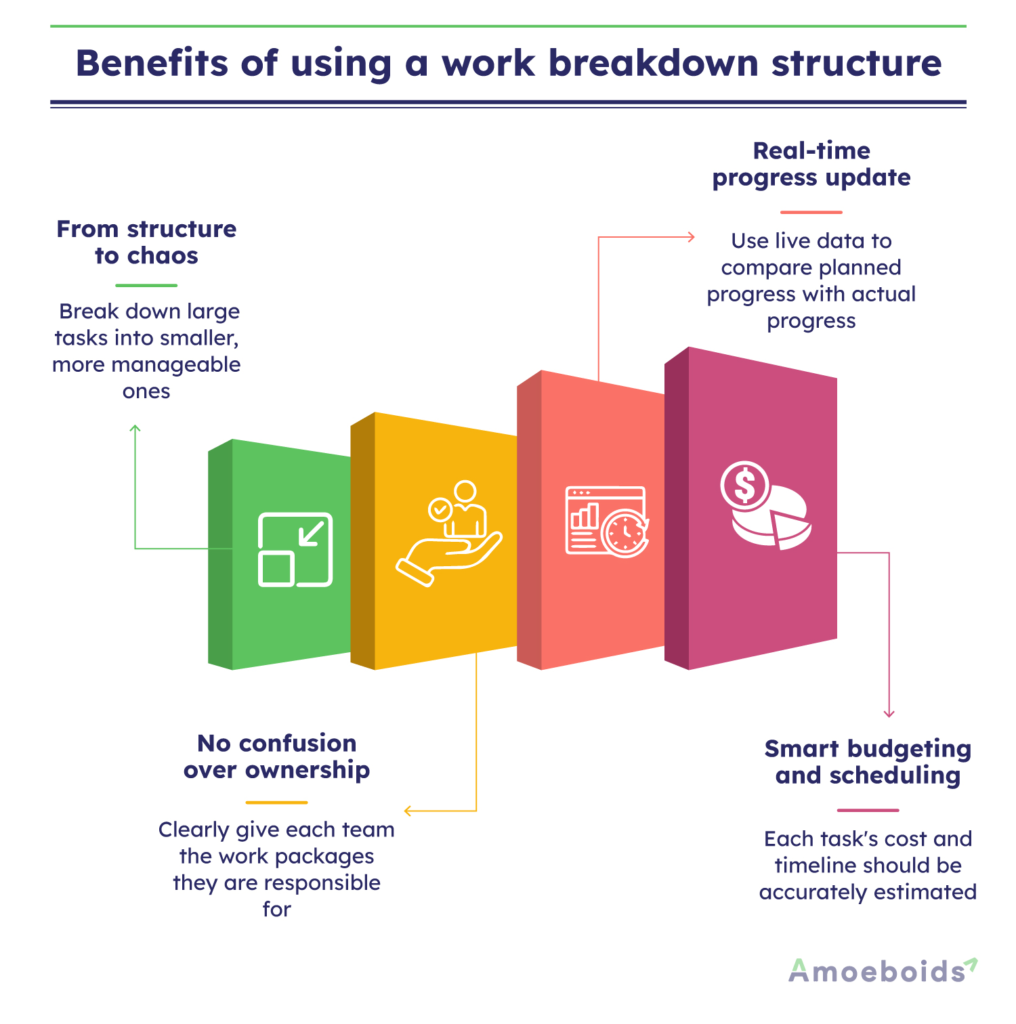
From structure to chaos: The entire project scope is hierarchically decomposed into smaller, more manageable deliverables and tasks.
No confusion over ownership: Each work package is clearly defined and assigned to a team so that nothing gets lost in the shuffle.
Real-time progress update: The best work breakdown structure online tools slice and dice data for a detailed comparison to what was planned, in real-time.
Smart budgeting and scheduling: Each work package defined by WBS has enough detail to predict the budget and duration for the entire project.
That being said, WBS is a foundational tool for successful project management. However, the key to success lies in avoiding some common mistakes while creating it in the first place.
Common mistakes to avoid when creating a work breakdown structure
Here are three common mistakes managers make when creating a work breakdown structure, and how you can avoid them
1. Skipping the initial review
Many teams jump straight into WBS without fully understanding the scope of the project. Without an initial review, the WBS is most likely to miss important deliveries. That’s why you should always review scope documents, client briefs, and goals so that you can catch the key requirements early.
2. Not following the 100% rule
The 100% rule states that your WBS should include all the work needed to complete the project, nothing more, nothing less. Overlooking even minor deliverables can disrupt timelines or lead to unexpected rework. For instance, a WBS that includes development and testing but misses steps like final client sign-off can cause last-minute bottlenecks.
3. Ignoring team input
Creating a WBS without team input is most likely to miss details that may lead to duplicate effort. For instance, during the team discussion, a DevOps engineer may point out that setting up testing environments takes two full days and needs cross-departmental approvals. Such information might be missed if planning happens in isolation.
The bitter truth is that collecting inputs from everyone can take significant productive hours. That’s when tools like Roadmap & Idea Portal app for JSM come super handy. You can automate the feedback management process to quickly build your WBS without missing anything important. The best part is that it can automatically remove redundant feedback, centralize all insights on a common public platform, and help you make informed decisions without wasting hours wading through all comments.
Conclusion
A work breakdown structure can help you start on any project with unclear goals on the right foot. As you break Level 1 tasks into manageable parts in Level 2, 3, and so on, everyone gets clarity about their roles and responsibilities. However, before you build one, avoid common mistakes and analyze all scope documents to ensure all Level 1 tasks combine to represent the entire deliverable.
While setting up your structure, include your team members and collect their feedback to never miss important insights. It’s time to build smarter, work better and move your projects forward with confidence.
FAQs
What is a comprehensive work breakdown structure?
A comprehensive work breakdown structure breaks the entire project into smaller, clear parts. It covers 100% of the work needed. This helps you plan better, assign tasks easily and track progress at every step.
How to use a work breakdown structure?
You can use a work breakdown structure to plan your project, assign tasks and track work. It shows you who is doing what and when. This helps reduce confusion and keeps your project on track.
What are the key components of a work breakdown structure?
The key components include project goals, main deliverables, sub-deliverables and work packages. Each level breaks the work into smaller parts. These parts help you manage time, cost and responsibilities more clearly.
What are the types of work breakdown structures?
There are two main types, deliverable-based and phase-based. A deliverable-based WBS focuses on results. A phase-based WBS follows project stages. You can choose the one that fits your project needs best.