
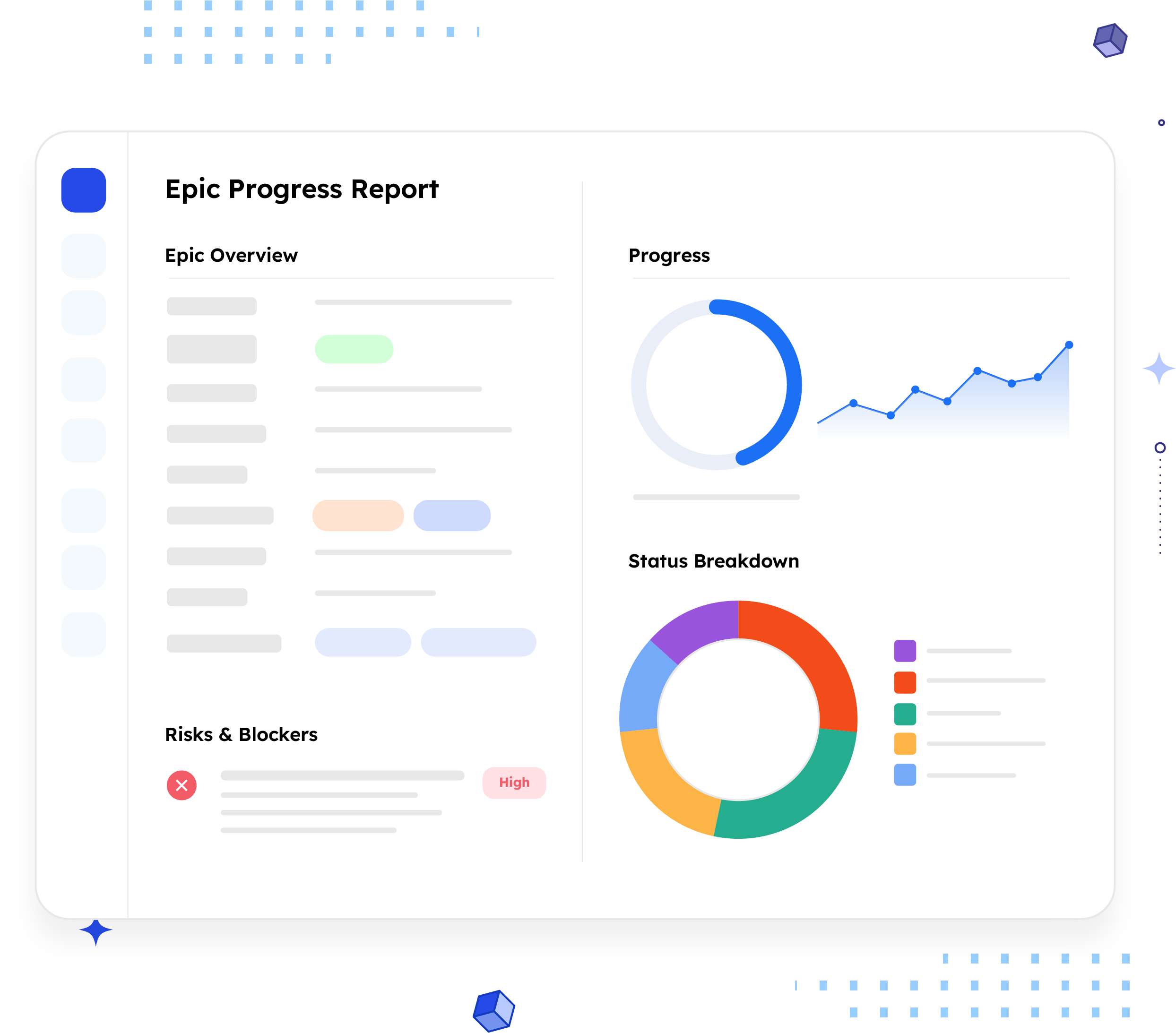
Epic Progress
Report
Turn any Jira Epic into a stakeholder-ready progress report in seconds. No manual formatting, no copy-pasting from the board.
What is an Epic Progress Report?
An Epic Progress Report summarizes the status, scope, and risk profile of a single Jira Epic — its overview, objective, child issues, and blockers — all in one shareable document.
Unlike a sprint report, which covers a fixed two-week window, this one tracks a larger body of work from kickoff to release, often spanning several sprints. It answers the one question a screenshot of Jira never quite does: where does this Epic actually stand right now?
Who should receive it?
People who care about outcomes, not implementation detail, leadership, customers, and any team that depends on the Epic's result.

Leadership
Wants a quick read on whether the initiative is on track.

Customers / accounts
When the Epic maps to something promised or requested.

Cross-functional teams
Design, marketing, or support who depend on the outcome.

PMO / new owner
For portfolio visibility, or a clean handoff between
PMs.
When should it be sent?


On a recurring
schedule
weekly or biweekly,
ahead of a leadership
sync

At key
milestones
moving into review,
or right before a
release

When a
stakeholder asks
a status check that
a Jira screenshot
can't answer

At handoff
so the incoming PM
starts from the
same picture

At close-out
a final summary of
what shipped and
what got dropped
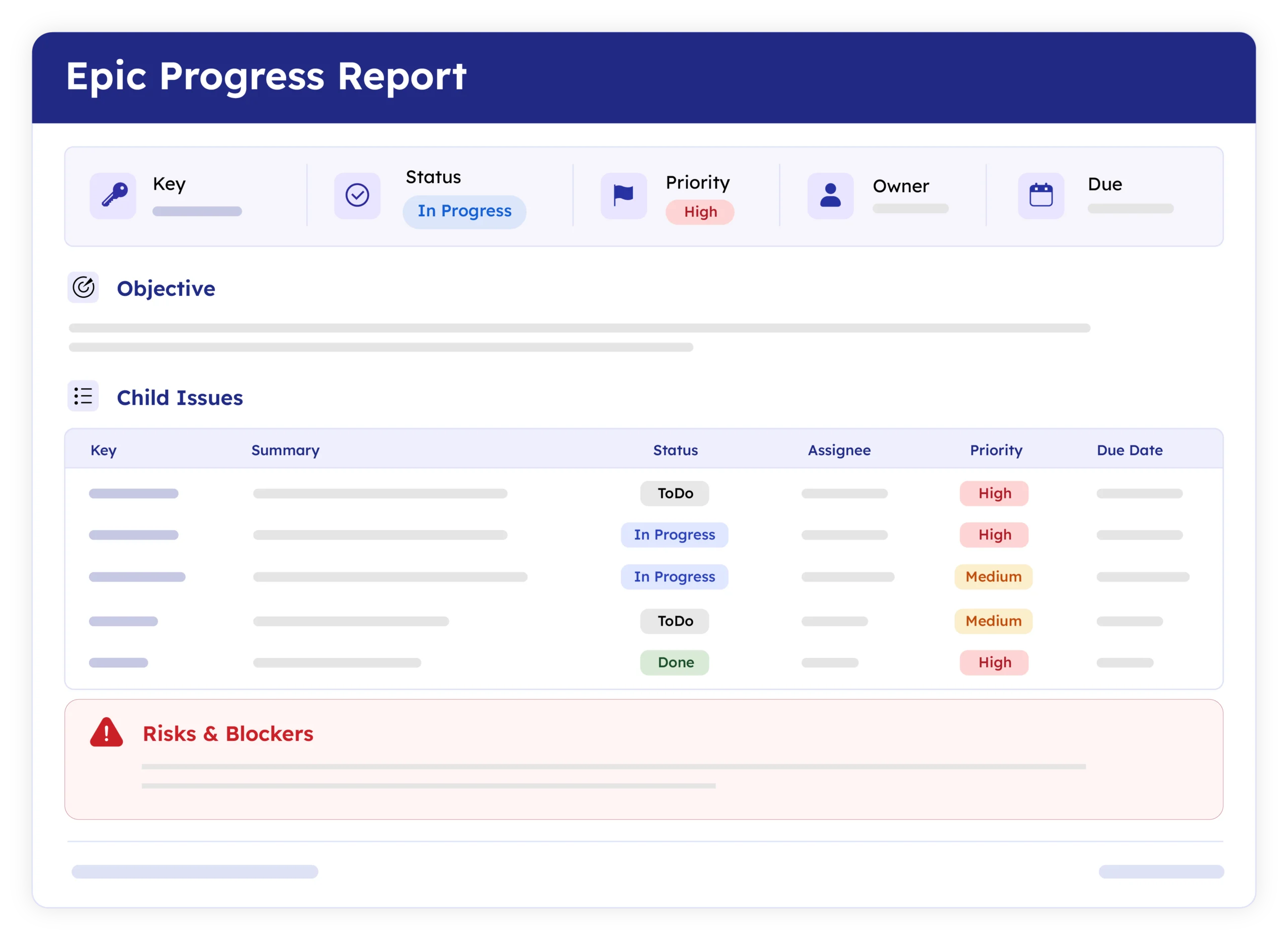
Essential sections, with examples
Six sections cover what a stakeholder needs, in the order they'll read it.

Epic Overview
Key, status, priority, owner, dates, and labels, the metadata block that answers "what's the status" before anyone reads further.
Example:
ACM-16 · In Progress ·
Owner: Dan · Due 27-03-2026

Epic Objective
A plain-language line on what the Epic is trying to accomplish and why, for readers who don't live in the ticket.
Example:
Introduces persona-based templates that generate tailored reports automatically.

Child Issues
Stories and bugs grouped by type, with status and linked issues, so a reader can see what's actually done.
Example:
Bug ACM-14 Template formatting breaks
on export · To Do

Risks & Blockers
Not just a list of blocked tickets, the consequence of each one. This is usually the only section a busy exec actually reads.
Example:
Unauthorized users can view reports — likely blocks release.

Report Footer
Report ID, generation date, and a named owner to contact, the detail that makes it a document, not just an export.

Linked Issues
Cross-team dependencies (optional), so nobody assumes a dependency was missed when an Epic spans multiple teams.
Common mistakes

Copy-pasting the board
A screenshot of 40 tickets is homework for the reader, not a report.
Burying the risk section
It's often the only part a busy exec reads.
Cutting it defeats the point.
No plain-language objective
Without it, non-technical readers can't judge if progress is good progress.
Stale data
A report accurate three days ago can
contradict what people see live in Jira.
No named owner
A follow-up question with nowhere to go turns the report into a dead end.
Inconsistent formatting
Every PM building their own version makes portfolio comparisons apples-to-oranges.
Example report
A real report, recreated here from live Jira data. Swap in a full screenshot once the final export is ready.
How to automate it with ARNR
Three steps replace the hour it usually takes to build this by hand.
Connect Jira
Link your Jira instance once. ARNR reads Epics,
issues, and status directly, no re-entry.
Pick the Epic
Choose the Epic by key or name and select this
template from the library.
Get your report
Link your Jira instance once. ARNR reads Epics,
issues, and status directly, no re-entry.
Download the template
Coming soon. The downloadable version is on its way.
Leave your email and we'll send it the day it's ready.
Jira Reports Template
Related report templates

Sprint Report
Iteration summary

Weekly Status Report
Team update

Executive Report
Leadership

PMO Report
Governance