With the cloud reigning supreme in the technology space, Release management is the backbone of software development processes for many teams. Interestingly though, it is difficult to point to one single thing & call it ‘release management’. In reality, the release management process consists of planning, scheduling, executing & refining steps across the entire software development lifecycle. A foolproof release management strategy is key to rolling out successful builds consistently and efficiently.
As software development teams continue to adopt agile development processes, release frequency keeps going up. Deploying releases requires teams to be fast without compromising on reliability & stability of their products or services. Release management tools can help teams efficiently manage and automate the processes so that you can focus on delivering value for your stakeholders.
What Is A Release Management Tool?
A release management tool functions as a command centre for delivering software that is both seamless and highly effective. It automates every stage, from planning and testing to deployment, ensuring consistency and speed. It integrates with Jira release management or other software release management tools to help developers, testers, and operations work together seamlessly.
Teams can reduce errors, increase productivity, and speed up delivery by using a structured release management process flow and automation. Essentially, it turns complex releases into cost-effective, scalable, and agile operations.
Key Features Of Release Management Tools
The right release management tool can go a long way in helping you ship out builds faster while minimizing downtime & maximizing the value for customers. Given that the release management itself consists of so many facets, many different release management tools exist addressing different parts of the process, each with unique features and capabilities. However, it would be best to choose the release management tools that are right for your team.
Some of the features you should look for in the tool you are considering:
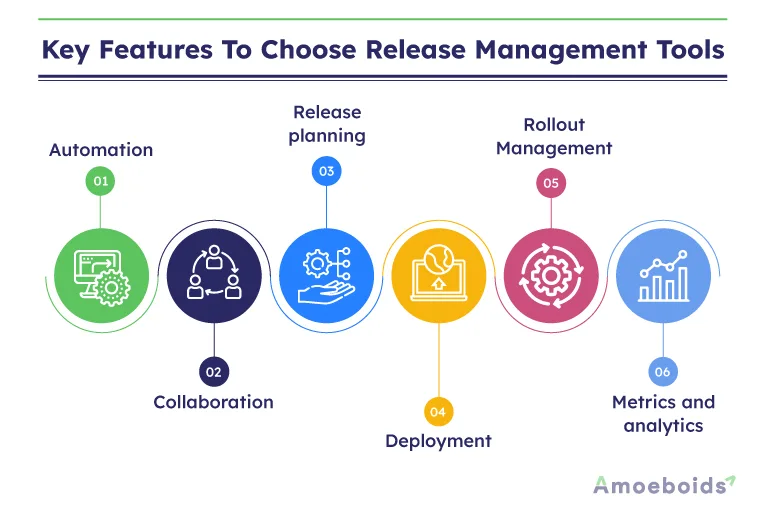
1. Automation:
Release management tools often include automation capabilities that allow teams to automate repetitive and time-consuming tasks, such as building, unit or performance testing, and deploying code.
2. Collaboration:
Allowing teams to collaborate and share information, updates is a key aspect of any tool that would potentially assist you in your release management process.
3. Release planning:
Features for planning and scheduling releases, such as calendars, timelines, and roadmaps are a must if your releases span across multiple teams & departments.
4. Deployment:
Tools that will help manage deployment across multiple environments will be a necessity as your process matures. Such tools will become indispensable with time.
5. Rollout Management:
Feature flag tools are in vogue these days. Their ability to target specific groups/users along with the support for A/B testing just takes the release management sophistication at a whole new level.
6. Metrics and analytics:
Finally, to gather objective feedback & improve your processes further – your Release management stack would often include tools to measure & keep track of metrics/analytics.
The Release Management Process
The release management process is the foundation of effective software delivery. It ensures that every release is thoroughly planned, tested, and executed with precision. These stages keep your projects on track. Your teams are mutually supportive, whether you use Jira release management, release management software, or another software release management tool.
- Requirements Gathering and Planning: Determine the scope, goals, and timelines for the release. A strong release management plan ensures that the development, QA, and business teams are aligned from the start.
- Development and Testing: Code is created, tested, and validated to ensure its quality. A release management system’s automation helps detect bugs early and maintain stability.
- Release Coordination: Coordinate with other teams to prepare for deployment. This stage ensures that communication, documentation, and signatures are clear and consistent.
- Release Deployment: Implement a defined release management process flow to move the software to production while reducing risks and downtime.
- Release Monitoring and Feedback: Collect feedback and track performance after deployment. Continuous monitoring improves future releases and strengthens the entire release management framework.
How to Choose a Release Management Tool?
Factors to consider when choosing a release management tool are almost the same that you’d consider while finalizing any piece of software for your team. To brush things up, we are pointing out those factors below:
1. Ease of use:
One or more tools that you decide to use across different parts of the release management process should be easy to use and intuitive for team members of all skill levels.
2. Flexibility:
Such tool/s should be flexible and adaptable to your team and organization’s specific needs and requirements.
3. Integration:
This is by far the most important one. Given the myriad number of software used across the entire software development lifecycle, it is imperative that the release management tool/s offer out of the box powerful integrations.
4. Scalability:
Depending on the size of your organization & complexity of your release management processes, the tool/s you choose must stand ground for the long term.
5. Support:
Of course, if you intend to pay for the tool/s you would expect top notch & strong customer support from the provider.
6. Cost:
And finally, looking at the RoI the release management tool should be cost-effective and offer good value for money.
It can be helpful to research and compare different tools in the release management space to see which ones meet your team’s specific needs and requirements. You can also check for recommendations within your professional network & learn from their experience.
13 Release Management Tools Comparison
| Tool | Key Feature | Pricing |
|---|---|---|
| Jira | Built-in templates for Scrum and Kanban, that integrates with popular tools such as Slack, Figma etc | Start for free |
| Plutora | Teams have complete visibility can as you integrate existing tools and data into a single platform | Request demo |
| Ansible | Simplifies complex process, helps to scale automation and collaborate with teams. | Start trial |
| QA Wolf | Helps to catch errors and bugs early, so that you can develop and delivery products out faster | Request demo |
| Clarive | Delivers an integrated experience to Dev and Ops, also supports release management | Request demo |
| Chef | Scale continuous delivery accross multiple applications and environments | Free trial |
| LaunchDarkly | Centralized hub for managing feature flags and tools, for tracking and performance analysis | Starts with $8.33 |
| Cloudbees | Provides visibility across pipeline tools and teams, to manage and release features at an enterprise scale | Start for free |
| Octopus Deploy | Managing deployments, with tools for configuring and customizing their release process | Starts with $10 |
| AWS CodePipeline | Enables teams to automate their build, test, and deployment processes on the Amazon Web Services platform. | Start for free |
| Puppet | Platform for managing and automating infrastructure, helps with tools for deploying and configuring code. | Free trial |
| Google Cloud Build | Enables teams to automate their build, test, and deployment processes on the Google Cloud Platform. | Start for free |
| Terraform | Provides infrastructure automation to all teams in the organization for security and compliance | Start for free |
13 Release Management Tools for Release Management:
Like we said earlier, the release management process consists of various aspects & you’d rarely find one tool covering all the bases. Thus, the tools that we talk about below cover one or more aspects with great results & also offer integrations for implementing the whole flow together. Eventually, you may end up stitching a release management process that goes through multiple of such tools.
1. Jira
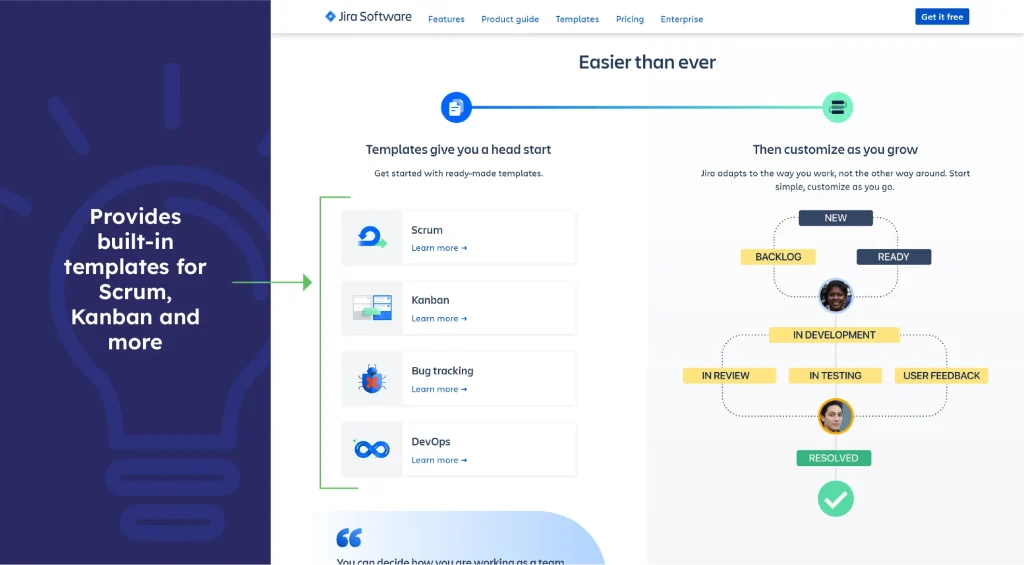
Jira is one of the most popular release and project management software used by agile teams. It has built-in templates for Scrum and Kanban and integrates with popular tools such as Slack, Figma etc. And then there are plethora of apps available in the Atlassian marketplace to solve different use cases.
2. Plutora
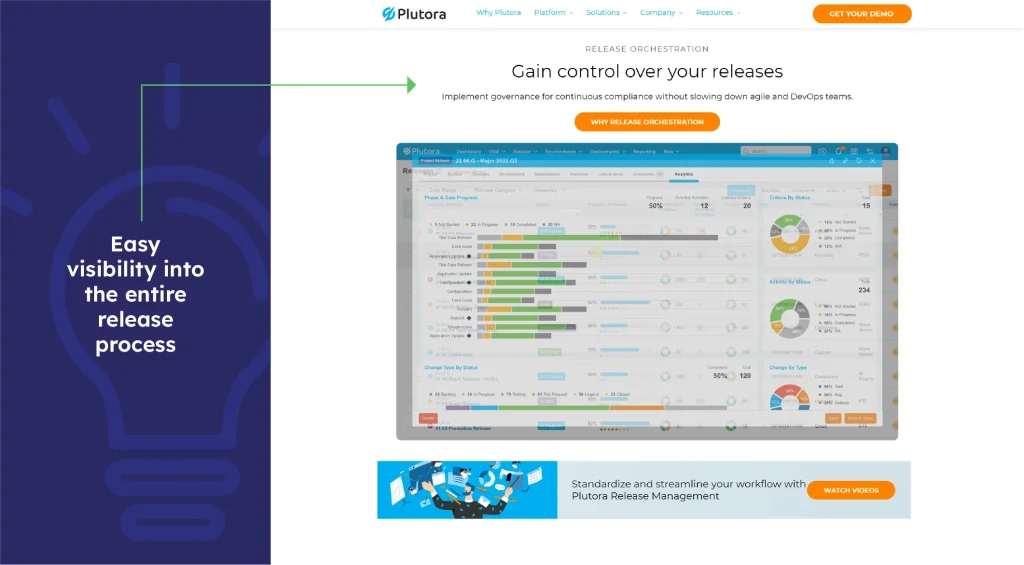
Plutora has fast become a favorite among release management tools. It can integrate existing tools and data into a single platform so that teams have complete visibility into their release process. In addition, it has built-in dashboards and customization engines for visibility into the entire release process.
3. Ansible
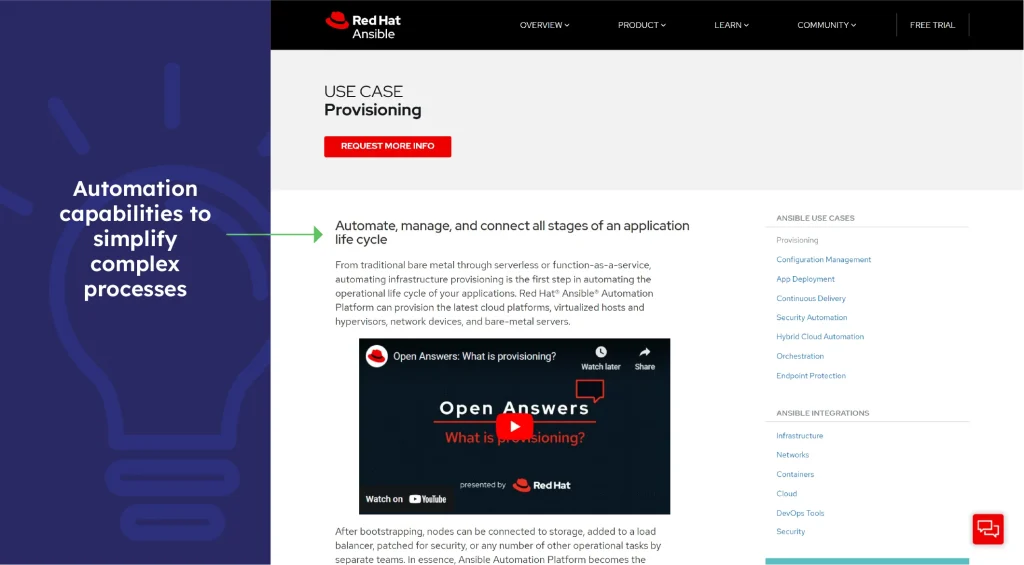
Acquired by Red Hat, Ansible has powerful automation capabilities to simplify complex processes. The enterprise-level release management tool has features to scale automation and empower teams with collaboration. Some of the features included in the platform are automation execution environments, automation controllers, automation mesh, and Red Hat insights.
4. QA Wolf
QA Wolf is designed primarily to help catch bugs early so that clean builds can be shipped out faster. This test automation tool will be one cog in the wheel of release management tools to guarantee the quality of delivery.

5. Clarive
Another popular tool, Clarive, claims to be the first to deliver an integrated experience to Dev and Ops. From a fast Git server to continuous integration and Kanban Boards to custom dashboards, Clarive is a feature-rich platform that can support release management effectively.

6. Chef
Chef is a feature-rich tool that enables teams to scale continuous delivery across multiple applications and environments. Its compliance module provides DevSecOps automation so that organizations remain agile while reducing risk.

7. LaunchDarkly
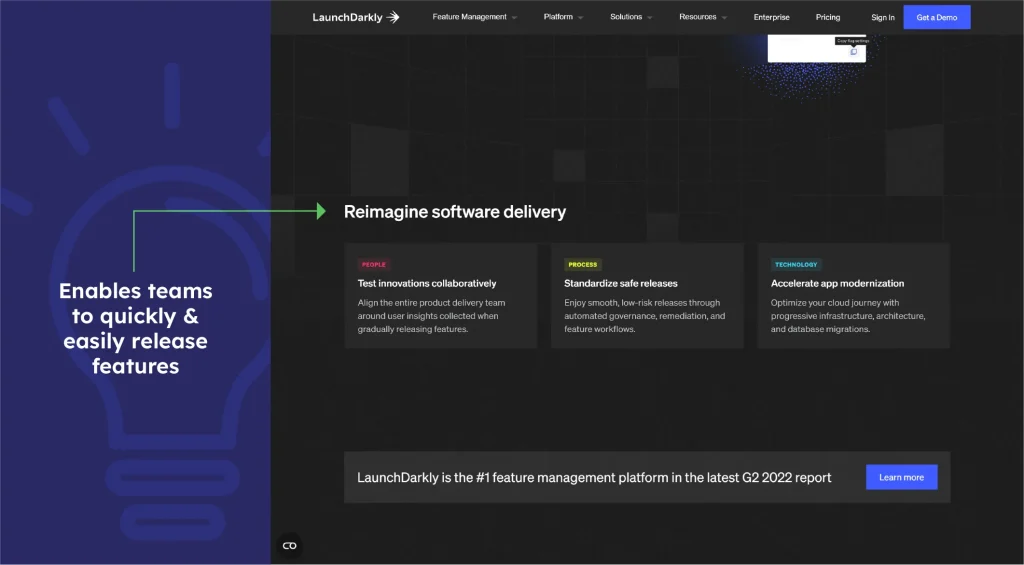
LaunchDarkly is a feature flag management platform that enables teams to quickly and easily manage, roll out, and test new features in their codebase. The platform provides teams with a centralized hub for managing their feature flags and tools for tracking and analyzing the performance of their code.
8. Cloudbees
Cloudbees is a self-service, scalable platform that can help manage and release features at an enterprise scale. It provides visibility across pipeline tools, releases, and teams. Its compliance module can ensure that assets are always compliant and detail the risk that needs to be mitigated.

9. Octopus Deploy
Octopus Deploy is a release management tool that provides teams with a simple and intuitive interface for managing their deployments and tools for configuring and customizing their release process.

10. AWS CodePipeline
AWS CodePipeline is a release management tool that enables teams to automate their build, test, and deployment processes on the Amazon Web Services (AWS) cloud platform.

11. Puppet
Puppet is a release management tool that provides teams with a platform for managing and automating their infrastructure and tools for deploying and configuring code.

12. Google Cloud Build
Google Cloud Build is a release management tool that enables teams to automate their build, test, and deployment processes on the Google Cloud Platform.

13. Terraform
Terraform is a release management tool that provides teams with a platform for managing and automating their infrastructure and tools for deploying and configuring code.

Conclusion
The right release management tool can give your team the edge in the next rollout as they come with powerful features.
If your software development team is already using Jira for their day to day activities, our Release planning & reports app for Jira will take the Release management experience to a whole new level.
FAQs
Can small teams benefit from release management tools?
Release management tools improve small team accuracy and consistency by automating repetitive tasks and reducing errors. Version tracking and automated notifications help to streamline workflows, shorten delivery cycles, and allow teams to focus on innovation rather than time-consuming manual coordination.
Are release management tools suitable for agile development environments?
Yes, release management tools work perfectly in agile environments. They automate testing, documentation, and deployments to ensure seamless sprint integrations. Real-time communication and accountability enable faster iterations, more effective collaboration, and releases that follow agile principles of flexibility and growth.
What are the key metrics to measure the success of a release management process?
The key metrics are deployment frequency, change failure rate, mean time to recovery (MTTR), and change lead time. Tracking user adoption and post-release issues allows you to evaluate speed, stability, and overall release quality for continuous improvement.
Which release management tool is best for enterprises vs. startups?
Enterprises benefit from scalable tools such as Jenkins, Azure DevOps, and Jira Service Management. Startups frequently prefer lightweight, cost-effective options like GitHub Actions or GitLab CI/CD. The ideal tool is classified by project size, automation requirements, and budget flexibility.