Software development teams constantly face pressure to release new features while maintaining both quality and security. Attempting seamless feature flag management across all users simultaneously can be risky—one small bug in production can create significant issues when changes go live.
Feature flag management offers a solution by enabling controlled rollouts and quick rollbacks. Teams can gradually introduce features to specific user groups, closely monitoring performance and minimizing potential user impact from bugs. This approach underpins agile processes, accelerates iterations, and enhances collaboration. It also strengthens CI/CD pipelines, ensuring regular, reliable deployments without disrupting the user experience.
In this article, we will understand feature flags. We will explore the advantages of feature flag management, upcoming trends surrounding them and how they are the secret to risk-free releases and creativity.
What are feature flags?
Feature flags, toggles, or flippers are software development techniques that allow developers to switch features on or off, i.e., enable or disable functionalities during runtime without deploying any new code. These techniques offer the utmost flexibility and visibility to release features, test in production and roll back if something does not function properly. The aim is to minimize risk and maximize agility.
By decoupling deployment from release management, teams can work on complex systems without the risk of hampering the entire code. They can keep the features disabled/hidden until they are confident enough to push them to everyone.
Benefits of using feature flag management tools and why do you need them
Feature flag tools are invaluable for modern development, offering benefits that simplify feature management, enhance collaboration, and support experimentation. Here’s a comprehensive look at their advantages and why they’re essential:
Progressive rollouts and experimentation
Feature flag tools enable teams to deliver features gradually through progressive rollouts, minimizing the risk of widespread issues. For instance, a new payment gateway can be launched for just 10% of users, allowing teams to monitor performance and fix any flaws before expanding access. Similarly, these tools support A/B testing, letting teams experiment with different versions of features or interfaces to identify what works best for specific user segments.
Faster development cycles
By decoupling feature releases from full deployments, feature flag tools allow for faster, more flexible development cycles. A feature like “dark mode” can be deployed in production but hidden behind a flag until it’s fully ready. This ensures code deployment aligns with organizational readiness without delays.
Simplified feature management
Feature flag tools make managing features between development and production seamless. Developers can test features like a “dark mode” in staging environments while keeping them hidden in production. This easy toggle functionality empowers teams to maintain control over the deployment process.
Enhanced team collaboration
Feature flags empower cross-functional teams by giving control to developers, QA teams, and product managers. Developers can decide when to enable a feature for testing, QA can validate it in production without affecting users, and product managers or even marketing teams can toggle features like a “holiday sale banner” without coding support. This fosters seamless collaboration and eliminates communication bottlenecks.
Quick rollbacks for stability
One of the most critical benefits of feature flags is the ability to quickly deactivate problematic features without redeploying code. For example, if a new loyalty program causes errors during checkout, the feature can be turned off instantly to prevent revenue loss and user dissatisfaction. This capability ensures stability and maintains user trust.
In summary, feature flag tools simplify feature management, encourage faster deployment cycles, enhance collaboration, and support robust testing strategies like A/B testing and progressive rollouts. Their ability to ensure quick rollbacks makes them indispensable for any agile development process.
Let’s look at some best-in-class feature flag platforms.
10 best feature flag management tools
1. LaunchDarkly
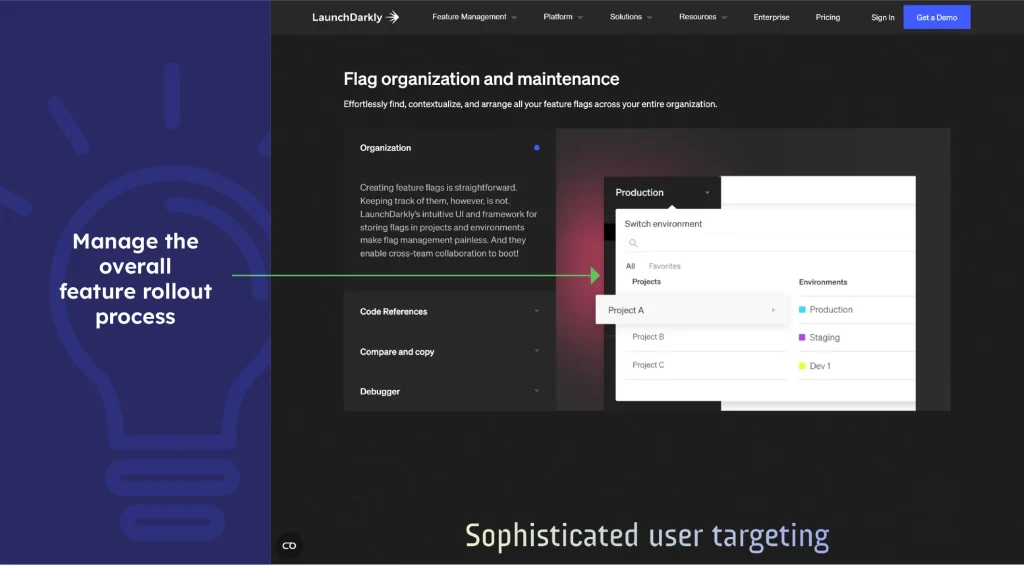
It’s probably the earliest product in this arena. LaunchDarkly can assist developers in quickly rolling out new features to a subset of users and performing A/B testing. This tool can easily manage the overall feature rollout process. LaunchDarkly also provides a range of features to manage the lifecycle of feature flags, including tracking flag usage.
2. Split
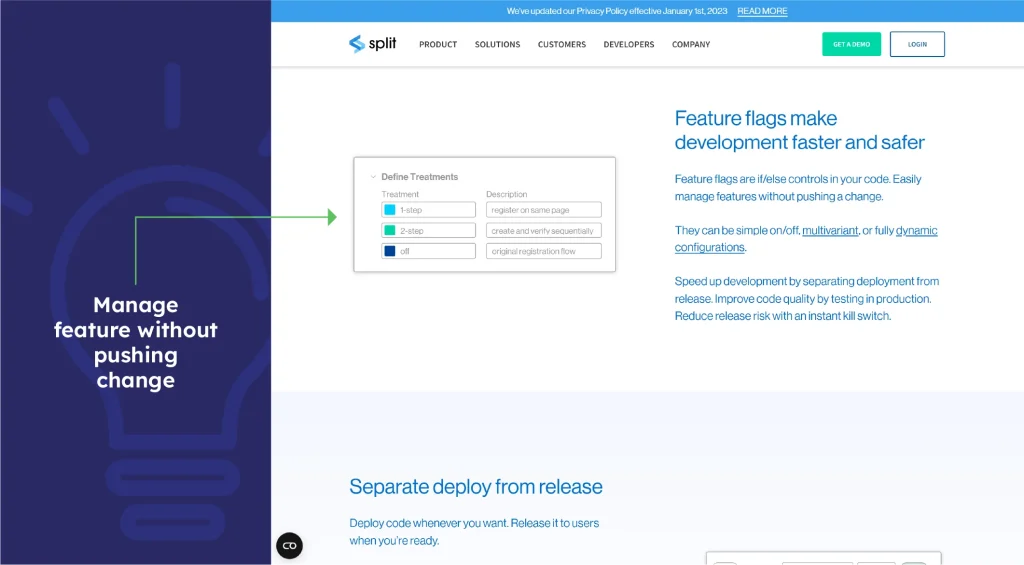
Split is a horizontal feature flag platform that provides tools to create, target and manage feature flags. It also helps teams monitor the health of all their feature rollouts.
3. Flagsmith
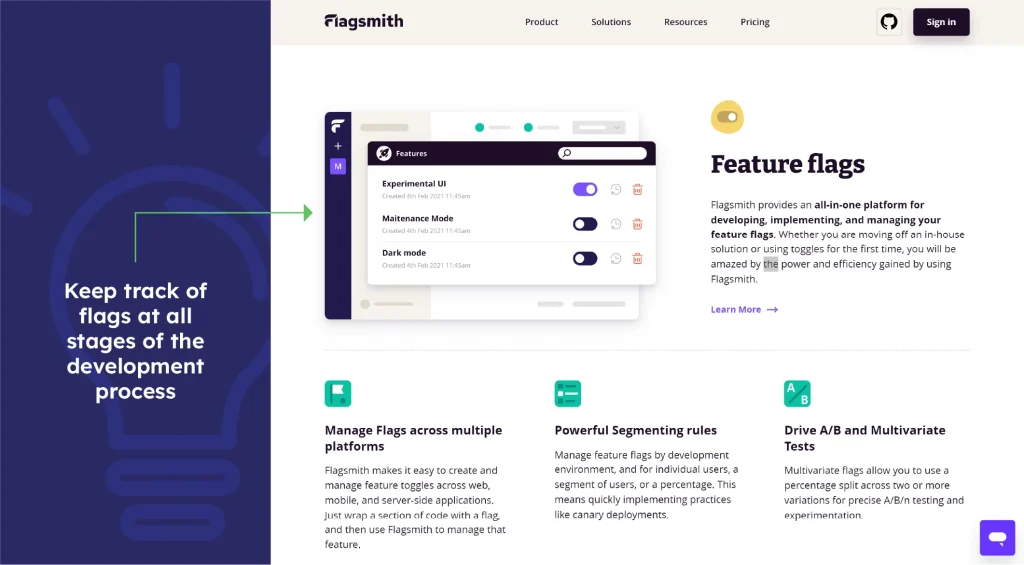
Flagsmith offers cloud and on-premises variants, which makes this feature flag tool a great contender for banking, healthcare and government domains. It focuses on letting teams confidently release features and doing so across web, mobile and server-side applications.
4. Optimizely
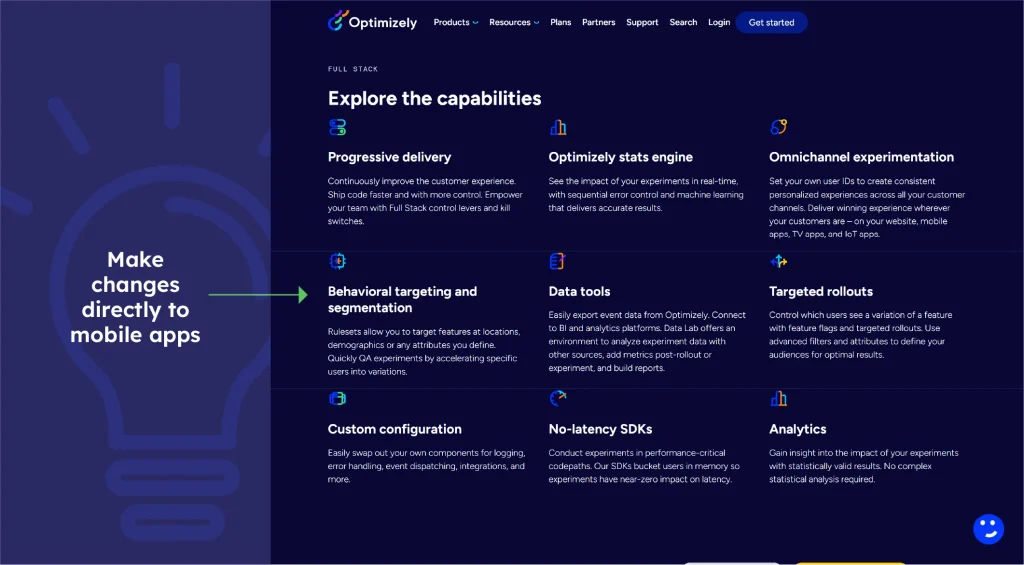
Optimizely is a feature flag platform that offers developers a wide range of capabilities. Optimizely’s omnichannel experimentation might interest your team if your product is a mobile app.
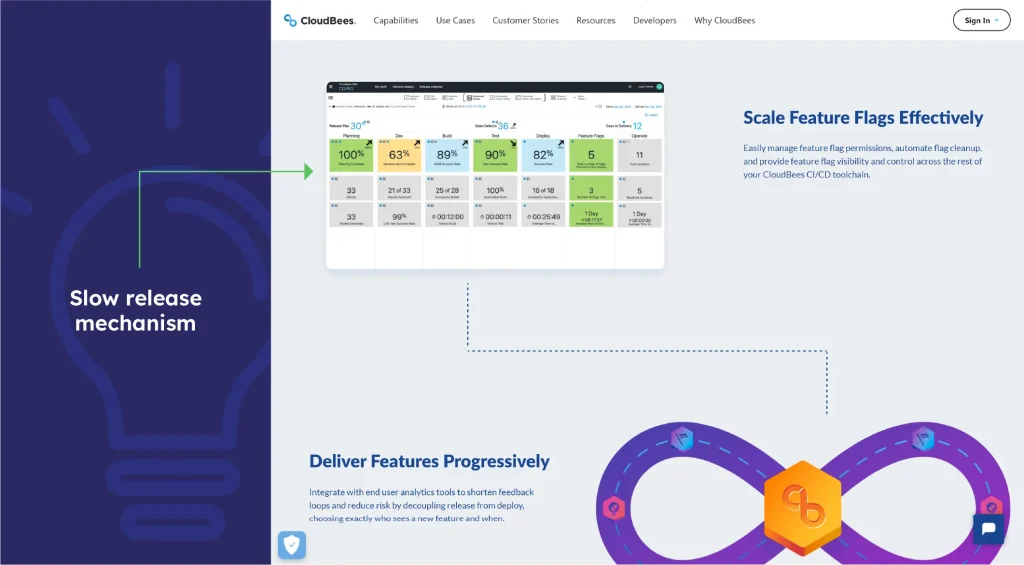
5. CloudBees
CloudBees is a software delivery platform with one of the products focused on feature flag management. This specific product from CloudBees is geared towards teams who want to innovate faster with less risk by relying on what it calls a slow-release mechanism.
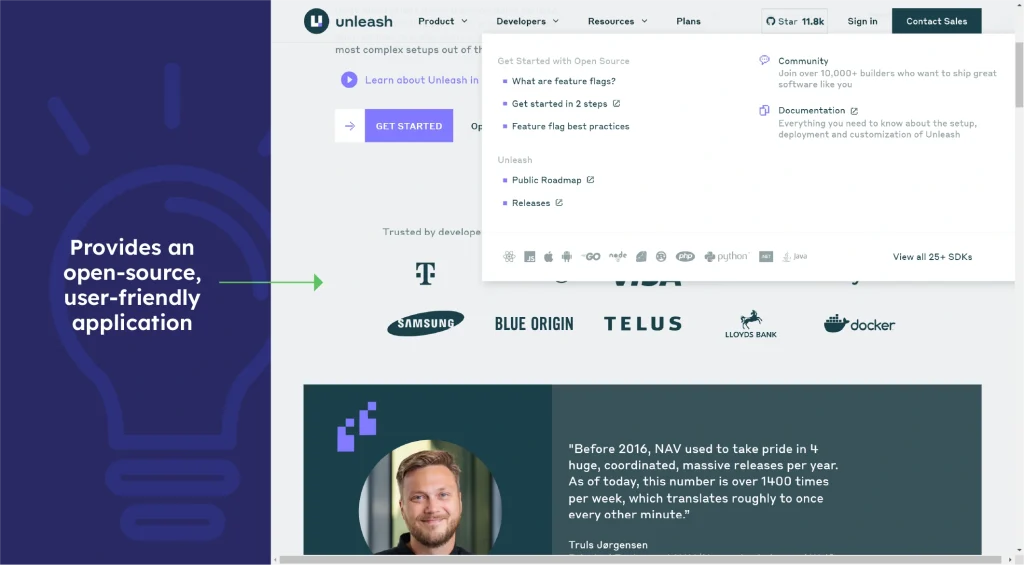
6. Unleash
To help teams handle flags efficiently, Unleash provides an open-source, user-friendly application for feature flag management. Organizations looking for affordable, customized solutions will find it a good fit due to its affordability and adaptability.
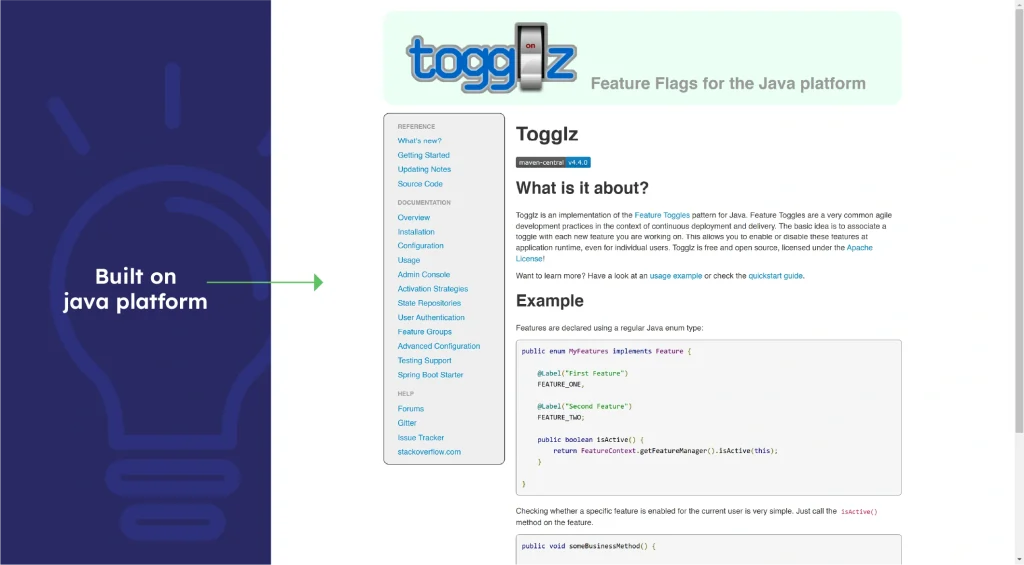
7. Togglz
With features like annotation-based toggles and runtime flag modifications, Togglz is a powerful developer-oriented feature flag management tool built on the Java platform. For groups using Java and seeking to integrate with current projects, it’s an ideal solution.
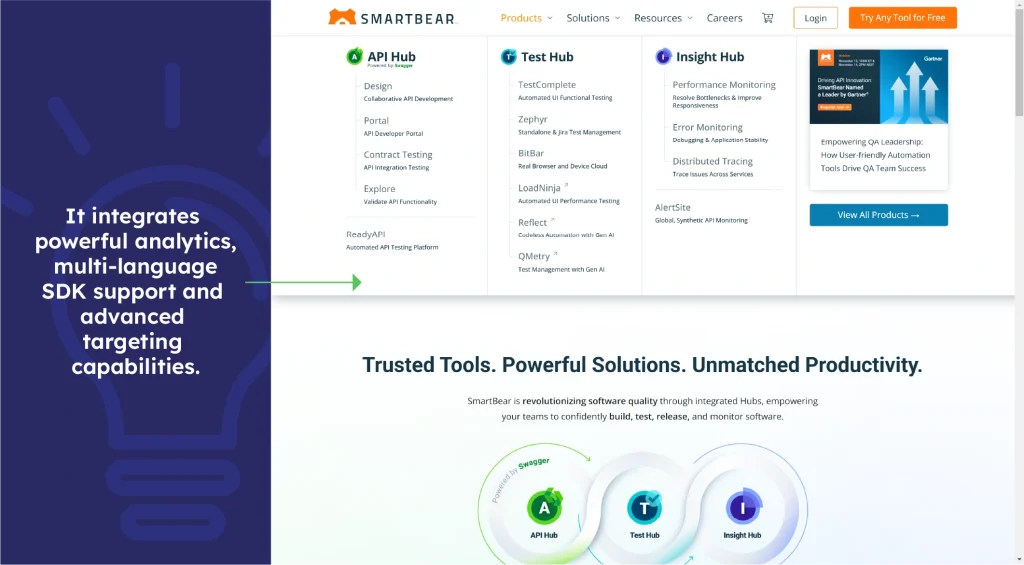
8. Rollout by SmartBear
Rollout integrates powerful analytics, multi-language SDK support and advanced targeting capabilities. Teams requiring in-depth analysis and data-driven decisions during rollouts will find this solution appropriate.
9. FeaturePeek
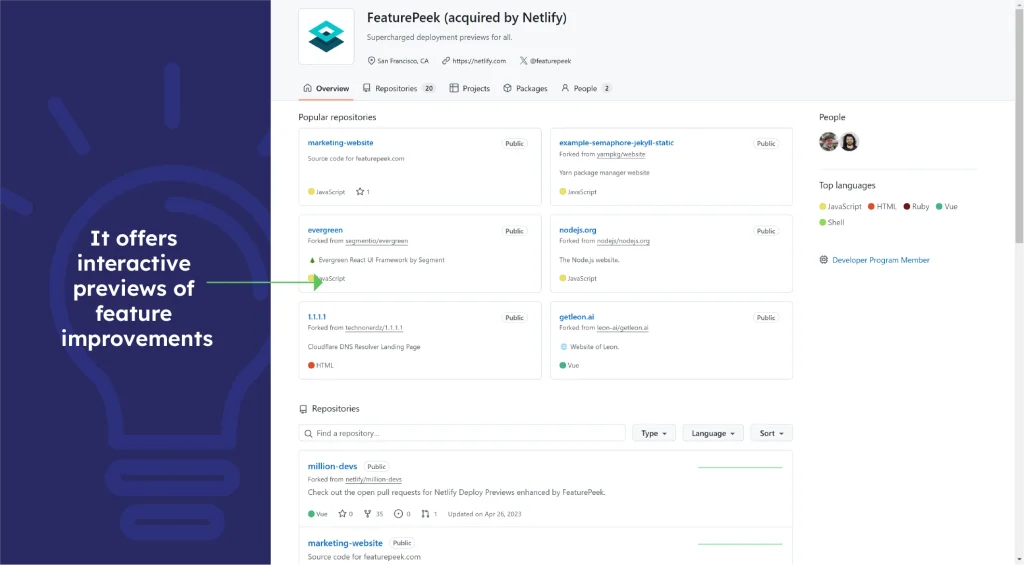
FeaturePeek offers interactive previews of feature improvements, allowing front-end teams to improve UI/UX before release. For design-centric development processes, its cooperative approach makes it quite valuable.
10. ConfigCat
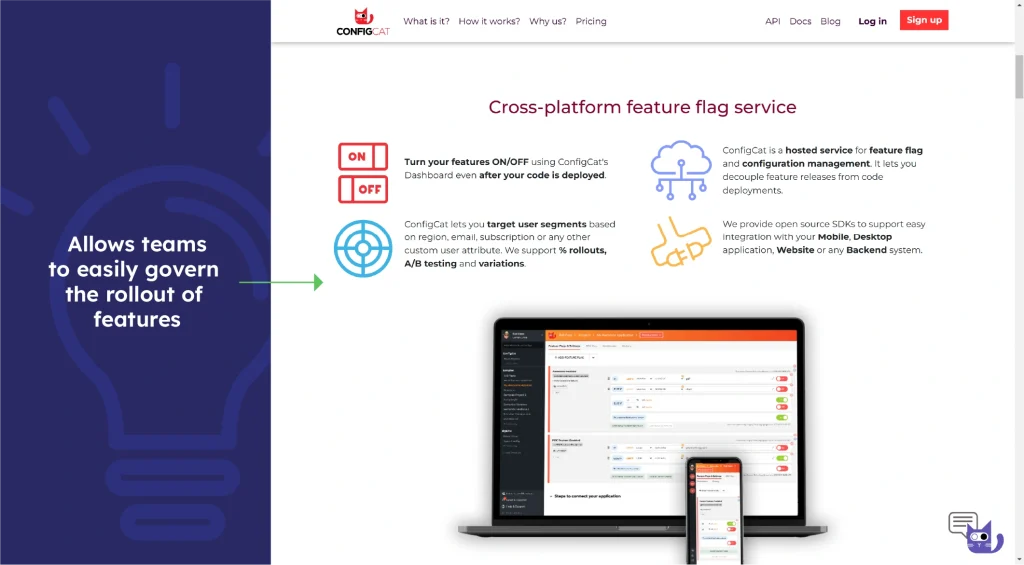
With ConfigCat’s feature flag management and extensive targeting options, teams can easily govern the rollout of features. This is an affordable solution for small and medium-sized businesses looking to streamline their feature management.
How to choose the right feature flag management tool
With the digital revolution, the market is flooded with feature flag management tools, making the selection of the right one tougher. Here are some key points to consider while selecting the best tool for your requirements:
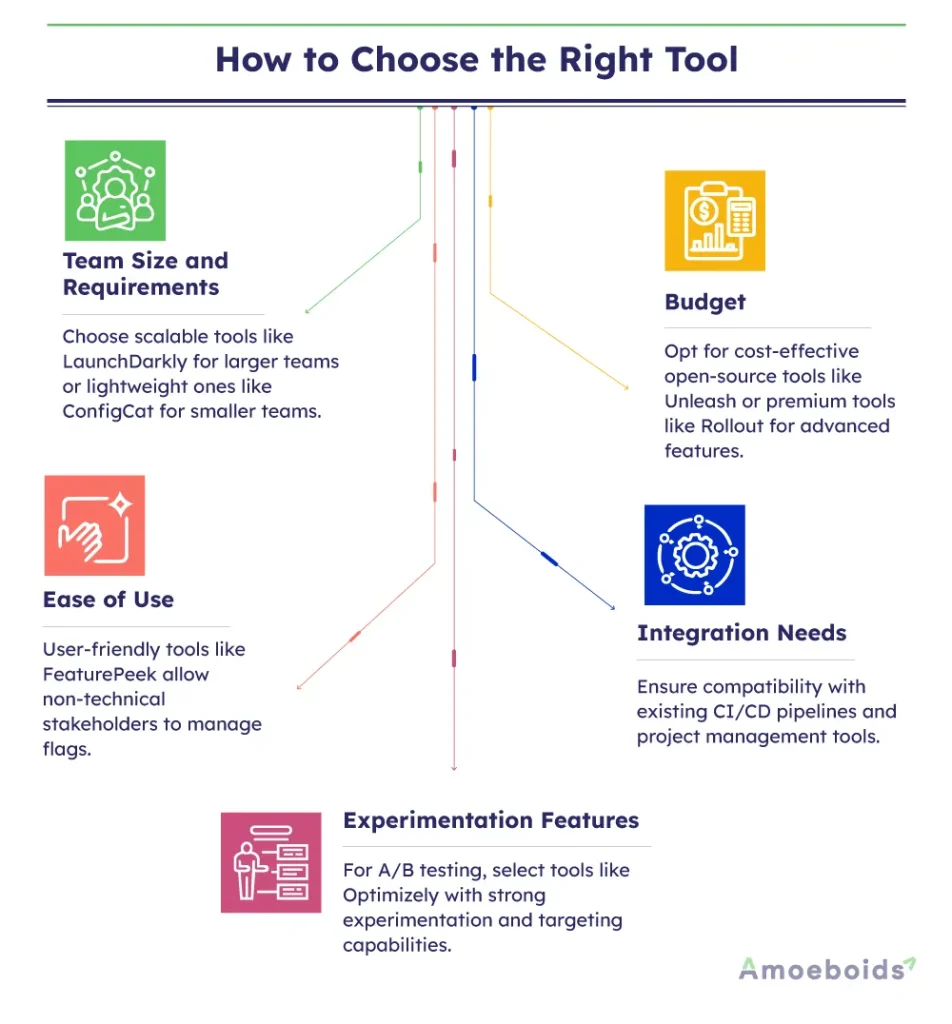
- Team size and requirements: Large teams may need scalable solutions like LaunchDarkly, which allows complex feature management, but smaller teams prefer lightweight tools like ConfigCat for simplicity.
- Budget: Compare open-source options like Unleash, which is cost-effective and flexible, against premium tools like Rollout by SmartBear, which offers advanced features at a higher cost.
- Ease of use: Check out user-friendly tools that can help non-technical stakeholders quickly turn on features; technologies like FeaturePeek are perfect since they provide a user-friendly interface for all team members, including those without any technical knowledge.
- Integration needs: Ensure the product integrates seamlessly with your current CI/CD pipelines, analytics tools and project management systems. Togglz, for example, interfaces effortlessly with CI/CD pipelines and Java-based systems.
- Experimentation features: If A/B testing and targeting are necessary, choose cutting-edge tools like Optimizely, which provide strong experimenting powers to customize user experiences.
Key takeaways
Driving success in software development depends mostly on experimentation and innovation, and feature flags provide precisely these and more. They allow for quick and efficient change without the risk of unsuccessful releases, enabling companies to remain adaptable and customer-centric.
Whether your company is a worldwide global corporate platform or a developing startup, using feature flags in your workflow will enable you to provide outstanding software at scale, iterate at speed and confidently expand.
FAQs
Q1: What are feature flag tools, and why are they important?
Feature flag tools give teams flexibility and control over feature management so they may toggle features on or off without rewriting code. Minimizing risks during deployment and enabling iterative development depends on them.
Q2: How do feature flag tools support Agile and CI/CD processes?
Agile’s emphasis on flexibility (one of the Agile principles) matches feature flag tools, which let teams implement features gradually and test them in actual settings. By allowing regular releases and instantaneous rollbacks upon problems, they also facilitate CI/CD pipelines.
Q3: What’s the difference between open-source and premium feature flag tools?
Though less expensive, open-source solutions like Unleash may require more technical setup and maintenance. Premium systems like LaunchDarkly, on the other hand, are more expensive and have sophisticated features, including analytics and customer support.
Q4: How do feature flags improve user experience?
A/B testing and controlled rollouts made possible by feature flags guarantee users obtain consistent and idealized features. They also enable customizable functionalities targeted at particular user categories, enabling individual experiences.
Q5: Which feature flag tool is best for small teams?
Small teams would find ConfigCat perfect because of its reasonably priced cost and easy UI. It makes feature flag maintenance easier, enabling even teams with few resources.