
Incident
Resolution Report
Turn a pile of incident tickets into a clear resolution
story stakeholders can actually read. No digging
through Jira threads, no manual handoff notes.
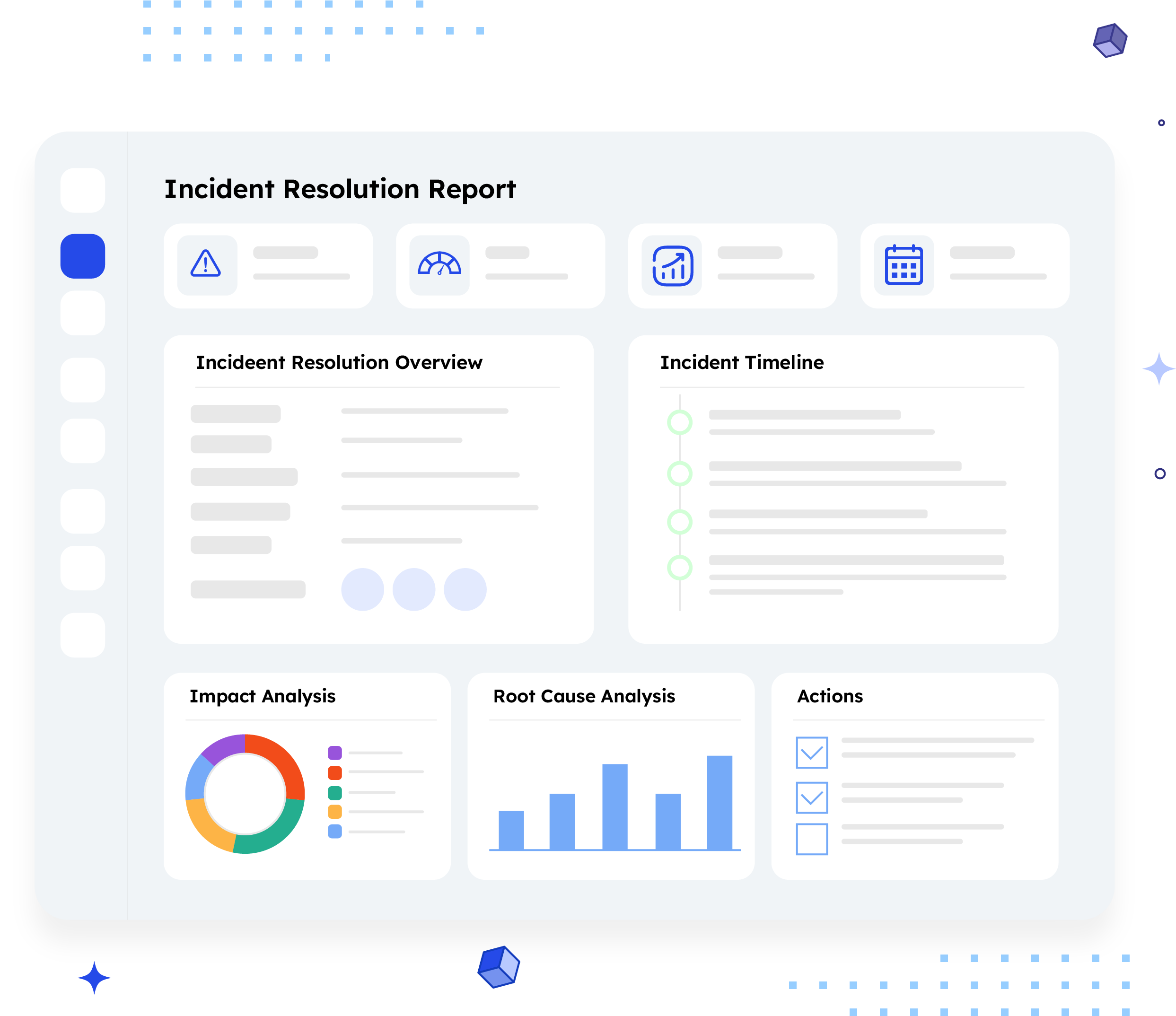
What is an Incident Resolution Report?
An Incident Resolution Report summarizes how incidents moved through your Jira project over a
given period, incident counts, resolution times, root causes, and open items still needing attention, all
in one shareable document.
Unlike a live Jira board, which only shows the current state, this report captures a full window of
activity so a support lead or incoming shift can see what happened, what's resolved, and what's still
at risk without opening a single ticket.
Who should receive it?
People responsible for keeping incidents moving and customers informed.

Support leads
Need the shift-start view of what's breaching SLA or unassigned.

On-call engineers
Picking up a handoff need last known status and next steps fast.

Incident managers
Track recurrence patterns and root cause trends across periods.

Customer-facing teams
Need downtime and impact details to answer customer questions accurately.
When should it be sent?


At shift
handoff
So the incoming on-call owner starts with full context, not a cold Jira board.

At the end of a
reporting period
Weekly or per sprint, to track SLA performance over time.
After a major
incident closes
A record of root cause and resolution for post-incident review.
When SLA
breaches spike
A status check leadership will ask for regardless.
Essential sections, with examples
Six sections, moving from what the project is to how it will land.

Executive summary
Volume and resolution trends. Stats row: 24 total incidents, 6 open, 3 SLA breaches, Resolved 128h (flag: confirm with ARNR team whether this is a count or avg. resolution time — label is ambiguous in the current mockup).

Incident detail log
Full table by priority/status. Example: PROJ-101, Fix login timeout on mobile Safari, Assignee Jane Doe, High, In Progress.

Root cause & recurrence analysis
Root cause categories with counts, flags recurring incidents.

Critical & High priority resolution timeline
Sequential view of top-priority incidents. Example: PROJ-104, Assignee Sam Lee, Created Aug 5, 2026.

Incident handoff digest
Per-incident bullets: last status, last action, next step.

Open items needing attention
Unresolved, breaching, or stale incidents. First thing a lead checks at shift start.
Common mistakes

Letting Jira statuses go stale.
If the report says resolved but the ticket still shows open, the handoff falls apart.
Burying the open items list inside the full incident log.
It's the one section read first at shift start, it needs its own space.
Skipping root cause categorization.
Without it, a third repeat of the same failure looks like a new incident.
Writing handoff notes as full ticket recaps.
The next owner needs three things: status, last action, next step, not the whole thread.
No named sign-off.
A report without an owner and timestamp leaves escalation questions with nowhere to go.
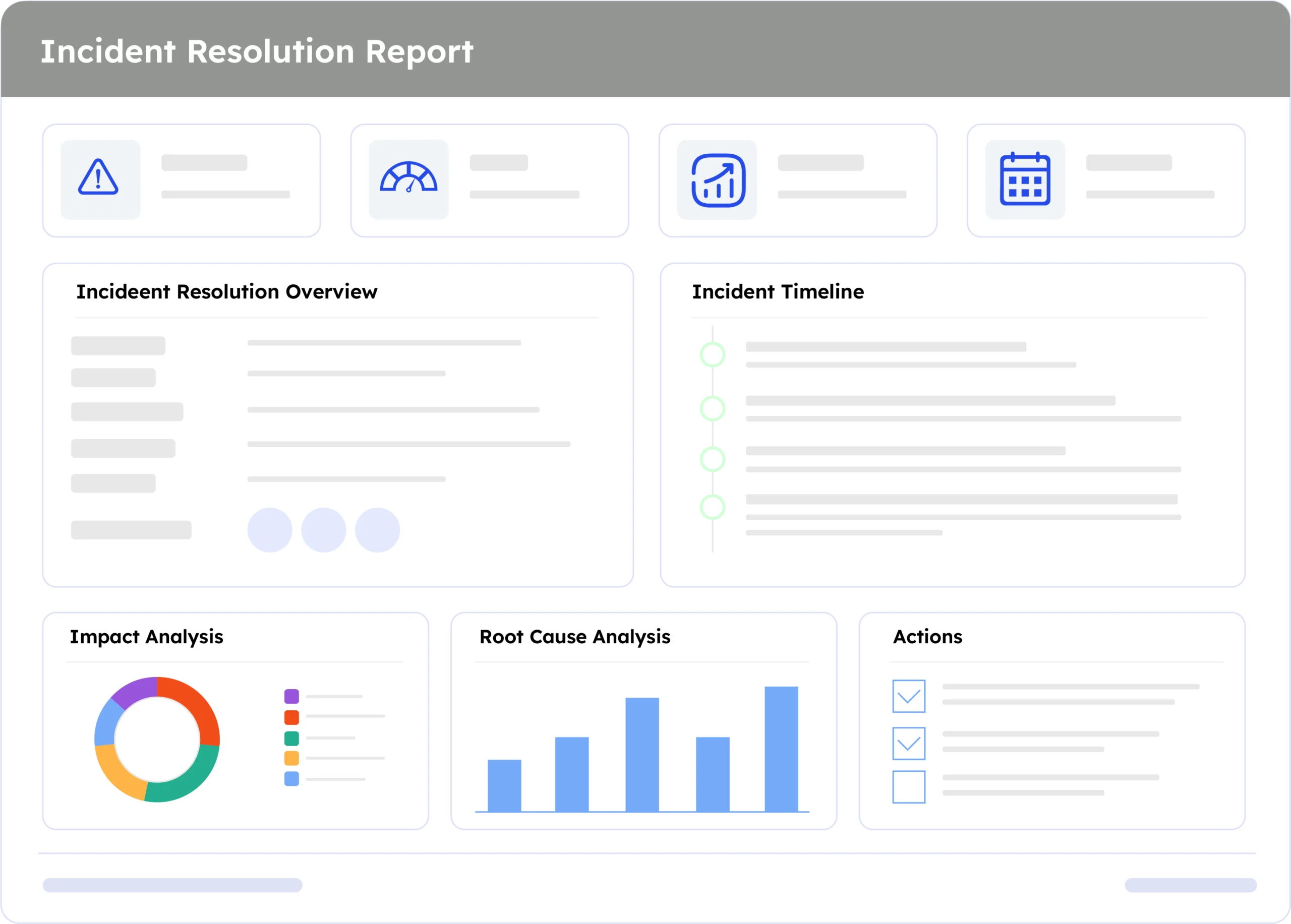
Example report
A real report, recreated here from live Jira data. Swap in a full screenshot once the final export is ready.
How to automate it with ARNR
Three steps replace the manual work of chasing statuses across every open ticket.
Connect Jira
Link your Jira project once. ARNR
reads incidents, priorities, and status
directly, no re-entry.
Set the reporting window
Choose the project and time
period, then select this template
from the library.
Get your report
ARNR generates the summary, root cause breakdown, and handoff digest, applies your branding, and hands you a ready-to-send report.
Related report templates

Weekly Customer Support Report
Support ticket trends

ITSM Weekly Major Incident Report
Major incident tracking
Stop chasing incident status across
a dozen open tickets
One report, every incident, no manual handoff notes