
Customer Release Notes Report
Turn every release into a customer-ready story – what
changed, why it matters, and what to do next – with no
engineering jargon required.
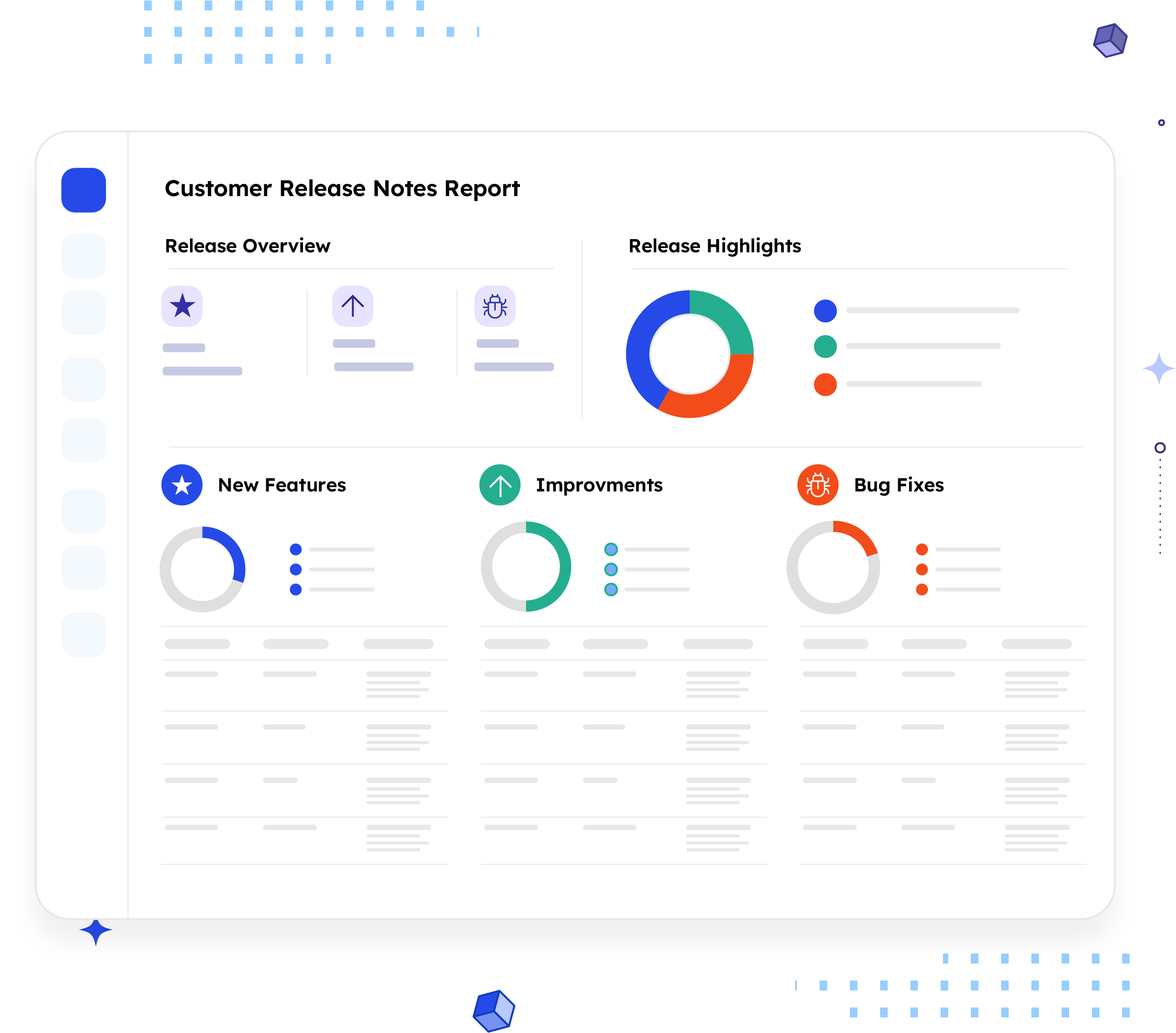
What is a Customer Release Notes Report?
A Customer Release Notes Report translates a release cycle's worth of engineering updates into
plain-language notes customers and CSMs can actually use. Each entry covers the feature name, what
changed, and the specific benefit it delivers, so customers understand exactly what's new without
reading a single ticket.
Unlike an internal changelog, this report turns technical updates into a customer-friendly story
focused on what changed and why it matters. It helps customers quickly find updates relevant to their
workflows without having to decipher engineering jargon. It addresses the question that every release
raises for a customer: what's new, and what do I get out of it?
Who should receive it?
Anyone who needs to understand a release in terms of customer impact, not engineering effort.

Customers
The primary reader. Wants to know what's new and what it means for their day-to-day workflow, in language that doesn't require a technical background.

CSMs
Use it to proactively brief accounts before customers ask and to field follow-up questions with the same benefit-first framing.

Account/success leadership
Wants a quick read on what shipped this cycle to gauge what's worth highlighting in QBRs or renewal conversations.

Support teams
Reference it to answer "is this fixed now?" or "how do I use the new thing?" without digging through release tickets.
When should it be sent?


At the end of every release cycle
this report is the customer-facing counterpart to the internal changelog, sent right after ship.

Ahead of a QBR or renewal conversation,
so the CSM walks in with a ready reference of what's shipped since the last touchpoint

When a fix closes a known customer-reported issue
close the loop directly instead of leaving the customer to notice on their own.

When a new feature solves a
recurring support request
so customers connect the update to
the problem they raised, not a generic announcement.

At month-end or quarter-end
rollups,
as a consolidated view for customers who
don't track every release individually.
Essential sections, with examples
Five sections, moving from what shipped to what to do next.

Release Overview
Release version, ship date, and a count of updates by category, the block that frames scope at a glance.
Example:
v2.4.0 · Released 2026/07/18 · 3 New Features, 5 Improvements, 4 Bug Fixes

Release Summary
A plain-language statement of what this release is meant to deliver, so anyone outside engineering understands the "why", not just the ticket list.
Example:
"Faster checkout, clearer error messages, and a more consistent login experience."

New Features
Every new capability shipped this cycle, along with its reference key, summary, and customer benefit, sorted by impact.
Example:
PROJ-101, Fix login timeout, sessions no longer time out mid-use, so you can finish a workflow without re-authenticating.

Bug Fixes
Resolved issues with reference, summary, and any extra detail, so known problems are confirmed fixed, not just assumed.
Example:
PROJ-104, Improve error message clarity on checkout, Details:

CSM Contact Note
A closing line naming the version and reminding customers their CSM is the first point of contact for questions.
Example:
"Your dedicated Customer Success Manager is your best first stop for anything related to v2.4.0."
Common mistakes

Leading with the technical fix instead of the customer benefit.
"Refactored the data fetching layer" is meaningless to a customer. Lead with what they have, not how it was built.
Using vague, generic phrasing
"Enhanced performance" or "improved experience" tells a customer nothing they can act on. Identify the specific pain point that was resolved and the expected outcome.
Skipping the scenario.
A benefit without a real-world tie-in ("saves time") is forgettable. A benefit tied to a specific situation ("no longer have to stay late on Fridays") is memorable and credible.
Mixing internal and customer-facing details.
Ticket IDs, sprint names, and engineering notes should go in the internal changelog, not here. Every line should be readable by someone who has never used Jira.
No clear path for follow-up.
A customer who has a question about an update and no one to ask will either guess or disengage. Always close with a CSM contact point.
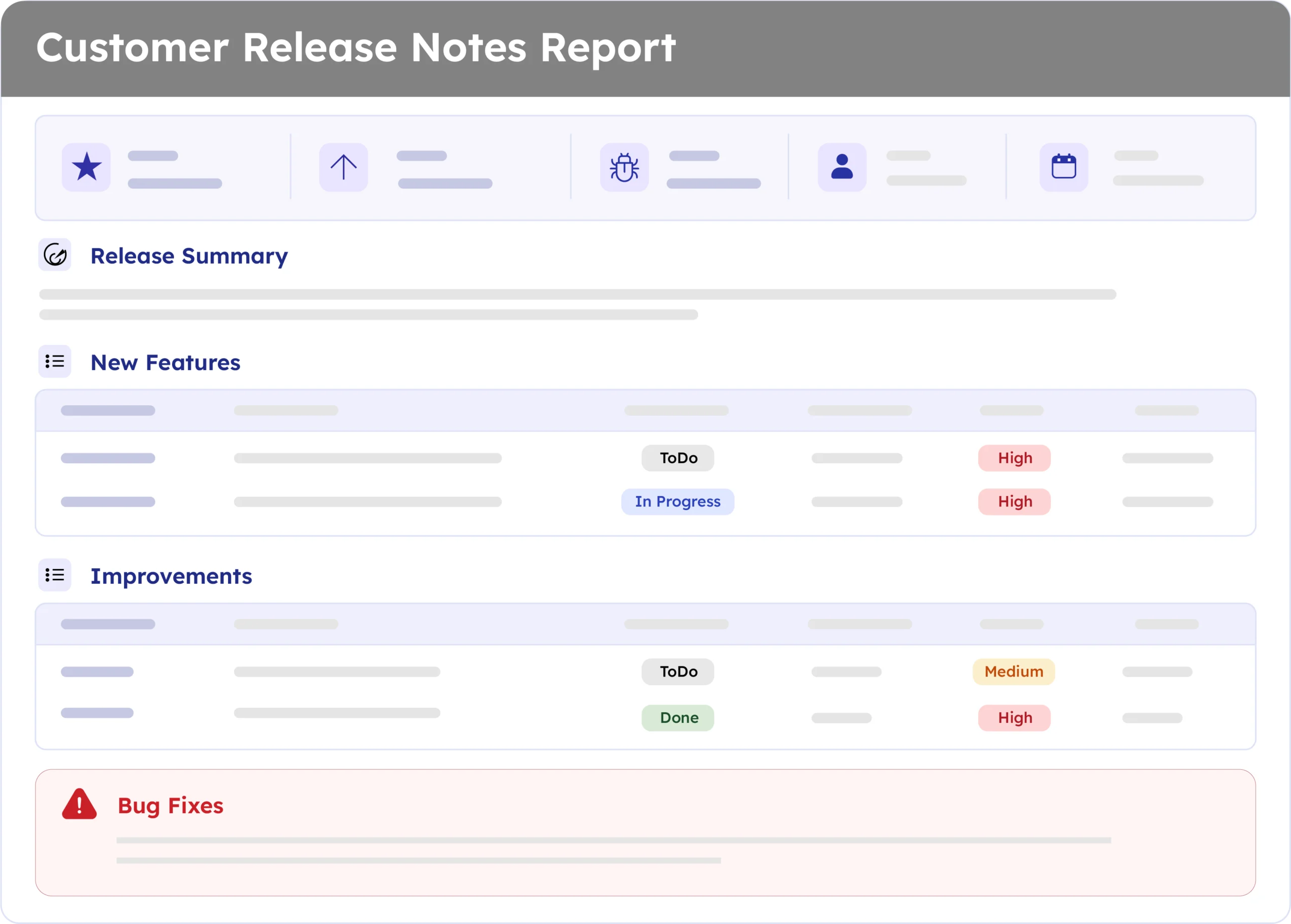
Example report
A real report, recreated here from a live ARNR export. Swap in a full screenshot once the final export is ready.
How to automate it with ARNR
Three steps replace the manual work of translating engineering tickets into customer-ready language.
Connect Jira
Link your Jira project to ARNR. It reads completed tickets, labels, and release scope directly.
Pick the release window
Choose the release or date range and select this template from the library.
Get your report
ARNR pulls every customer-facing change from the window, sorts it into New Features, Improvements, and Bug Fixes, and writes each entry in plain language with the benefit spelt out, ready for a PDF or a live link to share.



Stop translating engineering updates into
customer language manually
One report, every release, written the way customers actually read