Sprint Review
Report
Turn a completed Jira sprint into a clear review
document, what shipped, what's still moving, and what
didn't get touched, ready before the sprint review
meeting starts.
What is a Sprint Review Report?
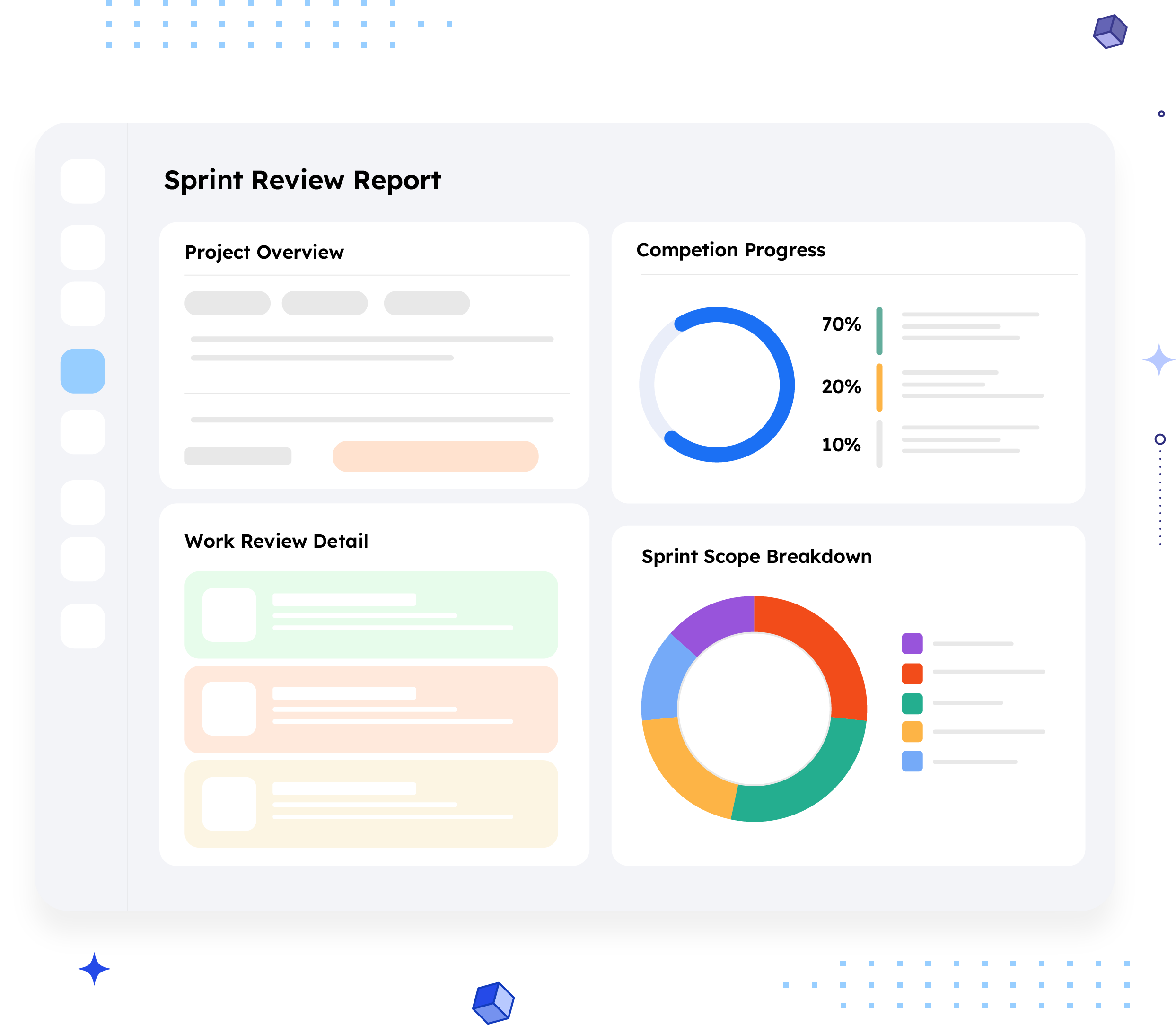
A Sprint Review Report summarizes what happened during a single sprint, the sprint overview and goal,
completed stories and bugs, work still in progress, work that never got started, and space for test results and
team feedback, all in one document shared before the sprint review meeting.
Where a Release Planning Report looks forward at what's about to be built, a Sprint Review Report looks back
at what a sprint actually delivered. It's built for the meeting where the team and stakeholders check the sprint
goal against reality, not for tracking an Epic or a whole release.
Who should receive it?
Anyone attending or affected by the sprint review meeting.

Scrum team
Uses it to walk through the sprint goal against what actually got done.

Product owner
Confirms completed work
matches what was expected
before accepting it.

Stakeholders in the sprint preview
Get a clear view of progress
without sitting through a
ticket-by-ticket walkthrough.

QA team
Uses the test reports section to
bring regression and release
testing results into the same
conversation.
When should it be sent?


Before the sprint review meeting
so participants arrive already knowing what
shipped and what didn't
At the end of a sprint
as the standard close-out record, whether or not it's presented live
When a sprint goal wasn't fully met
to explain what moved to "in progress" or "not started" and why

Ahead of retro
The completed and incomplete lists are useful input for what the team discusses next

When stakeholders outside the team
ask for a sprint update
instead of pulling one together from the board by hand
Essential sections, with examples
Six sections, moving from setup to what actually happened.

Sprint Overview
Sprint name, duration, start and end dates, the scrum team, and a count of issues by type, the block that frames the sprint before any detail follows.
Example:
BLB Sprint 1 · 15 days · 2024/06/26 to
2024/07/17 · 5 Stories, 1 Task, 4 Bugs

Sprint Goal
A plain-language statement of what the sprint set out to achieve, so completed and incomplete work can be judged against it.
Example:
"Deliver new features for the customer portal, including chatbot integration and a comprehensive analytics dashboard."

User Stories Completed
Finished stories with their key and a short description of what was implemented.
Example:
BLB-5, Improve search functionality, "Enhance search algorithm to return accurate and relevant results."

Bugs Completed
Resolved bugs with key, summary, and assignee, so the team can point to what got fixed, not just what got built.
Example:
BLB-9, Data visualization charts on the analytics dashboard do not render correctly in Edge browser, Akash Gomase

Work In-Progress & Work Not Started
What's still moving, with status and assignee, and what never got picked up, with priority. Together these explain any gap between the sprint goal and what shipped.
Example:
BLB-10, Sorting functionality in the analytics dashboard is not functioning as expected, In Progress, Peter Copter · BLB-11, unassigned, not started

Test Reports & Conclusion
Space for QA to present testing and regression results, and a closing note capturing team feedback on how the sprint went.
Common mistakes

No sprint goal stated.
Without it, "completed" and "not started" lists have nothing to be measured against.
Listing unassigned work without flagging it.
An unassigned item in "not started" is a capacity signal, not just a status, and it's easy to miss if it isn't called out.
Skipping work-in-progress
A report with only "completed" and "not started" hides the most useful conversation: what's close, and what's stuck.
No test report section.
Presenting completed work without QA sign-off invites the review meeting to re-litigate whether "done" really means done.
Reusing last sprint's goal language.
A sprint goal that's copy-pasted rather than sprint-specific makes the whole report feel like a formality.
Sending it after the meeting.
The report's value is in prep, not in minutes, share it before the review, not as a summary afterward.
How to automate it with ARNR
Three steps replace the day it usually takes to assemble a plan like this manually.
Connect Jira
Link your Jira instance once. ARNR reads sprint
issues, statuses, and assignees directly.
Pick the Sprint
Choose the sprint by name and select this template from the library.
Get your report
ARNR sorts completed, in-progress, and not-started work automatically, and hands you a PDF or a live link to share before the meeting.