UAT Readiness
Report
Turn any Jira release into a stakeholder-ready
UAT status report in seconds. No manual formatting,
no copy-pasting from the board.
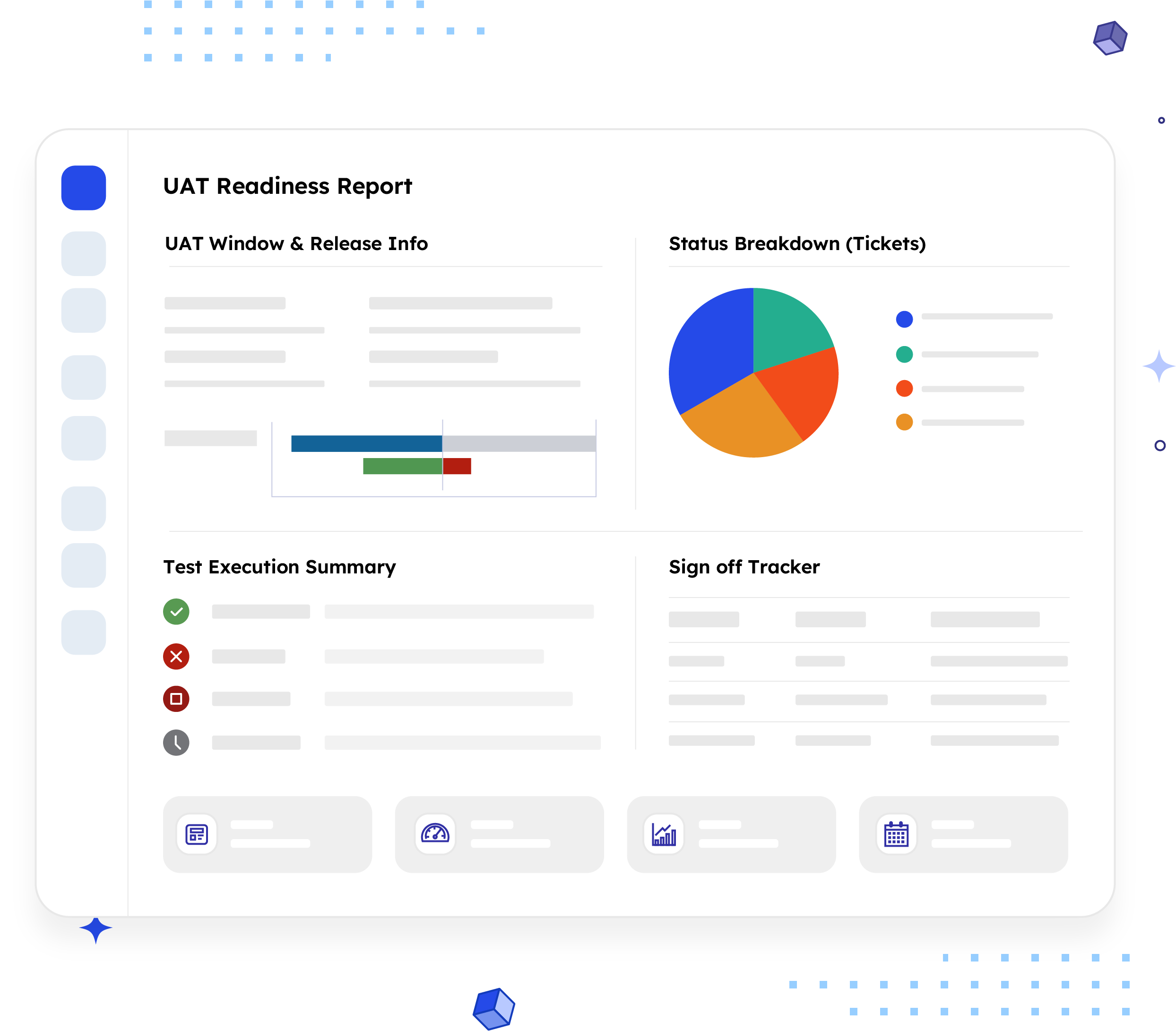
What is a UAT Readiness Report?
A UAT Readiness Report summarizes the status, test coverage, and sign-off progress of everything scheduled for user acceptance testing on a given release, all in one shareable document.
Unlike a sprint review, which covers all completed work across a fixed iteration, this one narrows in on a single question that matters most in the days before release: is this build actually ready for testers, and is testing on pace to finish before the release date?
Who should receive it?
People who need to know if the release is safe to ship, not people who need to know how the code was written.

Release Managers
Owns the go/no-go call and needs the clearest possible picture of where testing stands.

QA Leads
Wants a single source of truth on pass/fail counts instead of chasing test runs across tools.

Product Managers
Needs to know if scope is holding or if UAT Failed items are putting the release date at risk.

Business / client testers
When UAT includes users outside the engineering team who need a plain-language status update, not a Jira login.
When should it be sent?


At the start of the UAT window
so everyone knows what's in scope and when testing needs to wrap up.

Midway through the window
to surface blockers or failures while there's still time to act on them.

Before the sign-off deadline
A final check so nobody signs off on a release that isn't actually ready.

When a stakeholder asks
a status check that a Jira board full of statuses can't answer on its own.

At release close
a final summary of what passed, what didn't,
and what shipped anyway.
Essential sections, with examples
Six sections cover what a stakeholder needs, in the order they'll read it.

UAT Window Start date, end date, and days remaining until release, the metadata block that answers "how much time is left" before anyone reads further.
Example:
UAT Window: Oct 12–Oct 19, 2026 · Release Date: Oct 22, 2026 · 3 days remaining

Status Breakdown Issue counts across Ready for UAT, In UAT, UAT Passed, and UAT Failed, so a reader can see what's actually been tested versus what's still sitting untouched.
Example:
Ready for UAT: 6 · In UAT: 11 · UAT Passed: 22 · UAT Failed: 4

Test Execution Summary Pass/fail counts pulled from a linked test tool like Xray, Zephyr, or TestRail, not just ticket status, so readers see how much testing has actually happened.
Example:
148 test cases executed · 129 passed · 14 failed · 5 blocked

Sign-off Tracker Not just a list of approvers, the status of each one. This is usually the only section a release manager actually reads closely.
Example:
"Meridian Corp sign-off still pending, 3 days from release."

Report Footer Report ID, generation date, and a named owner to contact, the detail that makes it a document, not just an export.

Timeline Snapshot A short visual showing the UAT window against the release date (optional), so anyone reading the report can see at a glance whether testing is on pace.
Common mistakes

Treating UAT as one status
Collapsing Ready for UAT, In UAT, Passed, and Failed into a generic "In Progress" makes the status breakdown meaningless.
No UAT window field
Without a real start and end date, the report has nothing to measure days remaining against.
Ticket status without test results
Moving a ticket to "Passed" isn't the same as having pass/fail data from an actual test run.
Sending it once
A report sent only at the start of the window misses the failures and blockers that surface partway through.
Missing sign-off owners
Without named approvers, sign-off becomes an informal conversation nobody can track.
Stale data
A report accurate three days ago can contradict what testers see live in Jira the day before release.
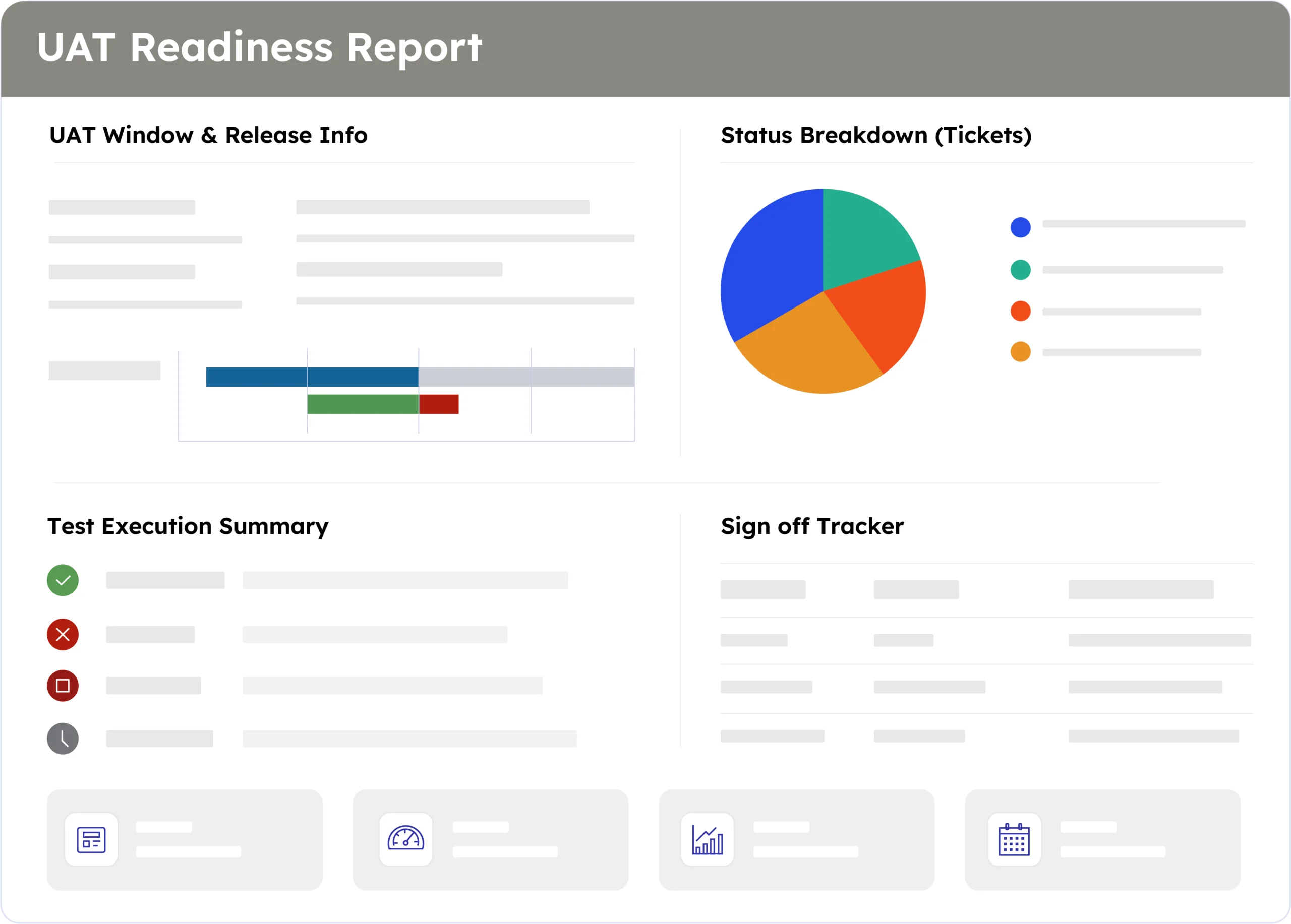
Example report
A real report, recreated here from live Jira data. Swap in a full screenshot once the final export is ready.
How to automate it with ARNR
Three steps replace the hour it usually takes to pull this together manually.
Connect Jira
Link your Jira instance once. ARNR reads the release, its UAT statuses, and any linked test tool directly, no re-entry.
Pick the Release
Choose the release or version by name and select this template from the library.
Get your report
ARNR fills every section, including sign-off status, applies your branding, and hands you a PDF or a live link to share.