ITSM Weekly
Major Incident
Report
Turn a week of major incidents into one clear report,
what happened, priority, status, and ownership, ready
before the weekly ITSM review.
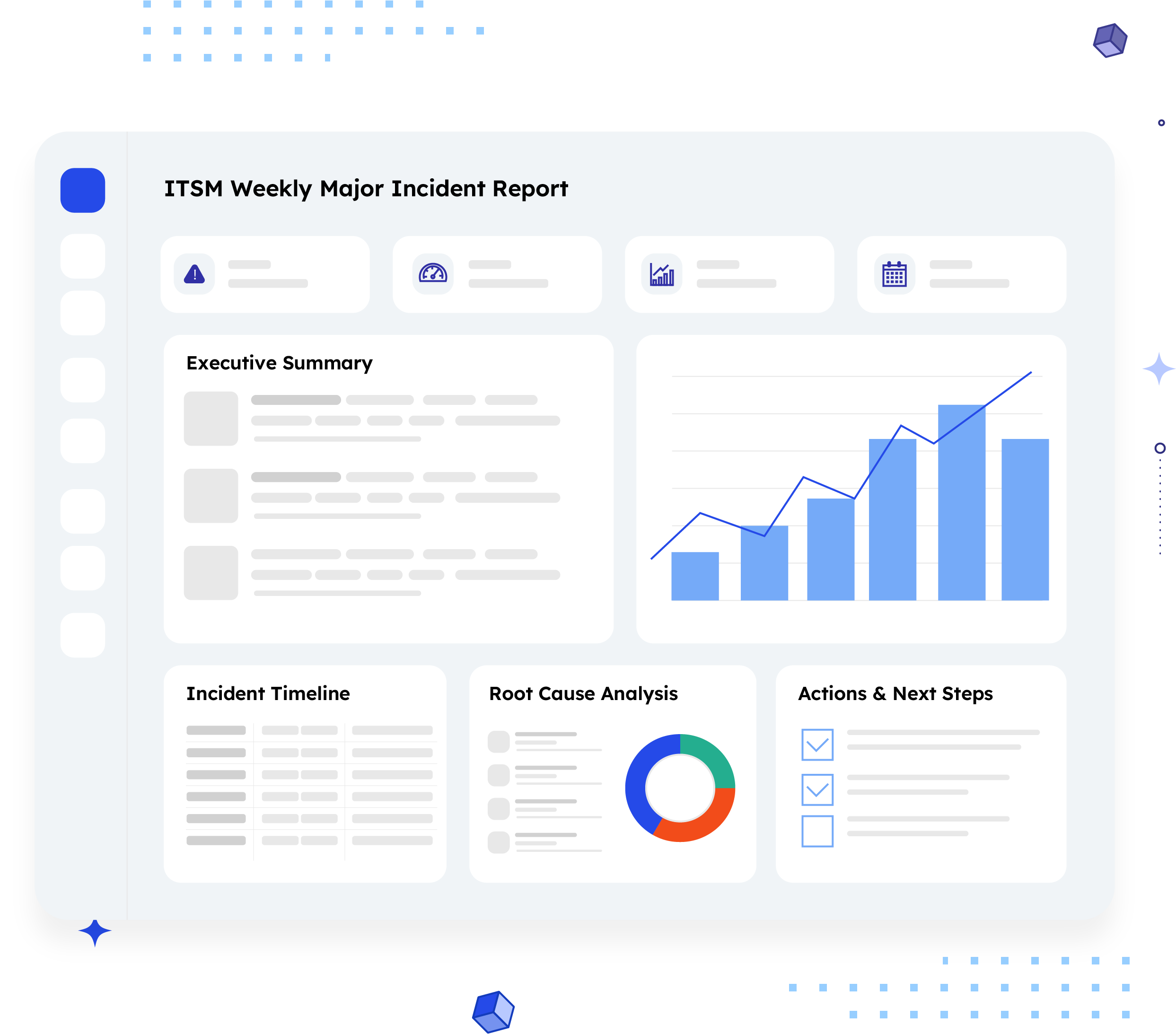
What is an ITSM Weekly Major Incident Report?
An ITSM Weekly Major Incident Report summarizes every major incident logged in a service project
over a defined week, each one listed with its key, summary, priority, status, assignee, and reporter, so
a support or ITSM team can review the week's incident load in one sitting.
Unlike a single-issue report, this one is a rollup: every CRITICAL, HIGH, and MEDIUM priority incident
from the reporting window, side by side, so patterns (repeat incidents, stalled tickets, ownership
gaps) are visible at a glance instead of buried across separate tickets. It answers the question a
weekly ITSM sync is built around: what were this week's major incidents, and where do things stand
right now?
Who should receive it?
Anyone accountable for service reliability or incident response during the reporting week.

ITSM / service delivery managers
Use it as the standing input for the weekly major incident review.

Incident response leads
Check open, in-progress, and in-review incidents against expected resolution pace.

Engineering leadership
Wants a fast read on incident volume and severity without opening the service desk.

Customers or account teams
(for client-facing service projects) — May receive a version scoped to incidents affecting their account.
When should it be sent?


Weekly, on a fixed day
this report is built around a recurring cadence, not ad hoc requests

After a high-severity week
to document volume and status clearly before the incident review meeting

When a CRITICAL incident is still open going into the review
so it doesn't get lost among lower-priority items

At month-end or quarter-end
rollups
as one of several weekly reports
compiled into a broader trend view

When leadership asks "how many
major incidents did we have this week"
instead of pulling the answer from the service
desk manually
Essential sections, with examples
Three sections, small but dense with the detail that matters most in an incident review.

Report Header
Project name, report date, and the reporting window it covers, the context needed before reading a single incident.
Example:
Project: Prism Support · Report Date: Friday 12th July, 2024 · Duration: 17 June 2024 to 23 June 2024

List of Issues
Every major incident from the window, as its own card: key, summary, creation date, priority, status, assignee, and reporter
Example:
AOS-1, "Users unable to login," created May 01 2024, Priority: Critical, Status: In Progress, Assignee: Jane Doe

Status & Priority Signals
Not a separate section in the raw data, but the pattern worth surfacing: incidents grouped or flagged by priority (Critical, High, Medium) and by status (In Progress, In Review), so a reviewer can spot what's stuck versus what's moving.
Example:
Two Critical-priority incidents, one still In Progress and one In Review, both tied to the same login issue.
Common mistakes

Listing incidents with no priority visible.
A flat list forces the reader to hunt for what's actually urgent instead of seeing it immediately.
No status grouping.
Mixing "In Progress," "In Review," and unresolved incidents together hides which ones are stalled.
Missing assignee or reporter.
An incident card with no named owner leaves the review meeting with no one to ask.
Repeating the same incident without flagging recurrence.
If "Users unable to login" shows up more than once in a week, that's a pattern worth calling out, not just another card.
No reporting window stated clearly.
Without a defined start and end date, week-over-week incident counts can't be compared reliably.
Treating this as a replacement for post mortems.
This report tracks the week's incident load, it doesn't substitute for root cause analysis on any individual incident.
How to automate it with ARNR
Three steps replace the manual pull from the service desk that usually happens before every ITSM review.
Connect Jira
Link your Jira Service Management project to ARNR. It reads incidents, priority, and status directly.
Pick the reporting window
Choose the week (or any custom date range) and select this template from the library.
Get your report
ARNR pulls every major incident from the window, sorted by priority and status, and hands you a PDF or a live link to share.